iOS 11 comes with QR scanning feature built-in. So all they’d have to do is point their iPhone camera to the QR Code, tap on the notification, confirm and they’ll be connected.
I know my weekend project. Hit up the full article at iPhone Hacks for instructions.
(UPDATE 2018-02-01 – I went online again this morning, and appointments were more plentiful. I have no idea if that means Apple has added capacity, or if my previous experience uncovered a temporary glitch in their system.)
If you need a Genius Bar appointment for an Apple device, good luck. It’s only one source, but an Apple online advisor has told me that Genius Bars are booked solid dealing with the iPhone battery replacement program.
I ‘m having a power issue with my iPad Pro, and tried to schedule a Genius Bar Appointment for the Apple Store near me. You’re normally able to go online and book these appointments as much as a week in advance, but there wasn’t a single opening over the next week. I thought I might have better luck if I spoke to an online Apple advisor, so I went that route, and she wasn’t able to get me an appointment at my local store either.1 She told me that Genius Bars are at capacity due to the battery replacement program.
With as much press coverage as the battery replacement program received, this isn’t the least bit surprising. This is something to keep in mind if you are having any issues with your Apple devices.
I’m not sure if she didn’t have the ability to schedule an appointment even if the Genius Bar’s schedule was booked (i.e,, the schedule is the schedule, and there are no appointments held open for online advisors to claim), or my problem didn’t warrant this measure.↩
For all our customers in that situation, I have good news to share: we’re building OmniFocus for the Web. It will be greatly simplified from the OmniFocus you know: it won’t have custom perspectives or notifications or maps. It won’t have Review. It won’t let you set up new repeating tasks (though it will correctly handle repeating tasks that are already set up). Its capabilities will be a lot more like what we shipped in our very first iPhone app: you’ll be able to see the lists of tasks in your Inbox, Projects, and Tags, with their associated notes and due dates. You’ll be able to edit basic information about those tasks (checking them off, assigning a due date, changing a title or note) and of course you’ll be able to add new tasks.
This blog post by the head of the Omni Group is filled to the brim with information on what the company plans for 2018, including a new version of OmniOutliner for iOS, and a new version of OmniFocus. The introduction (finally) of tags would have been big news on its own, but the announcement of OmniFocus for the Web might be even bigger if you need to use Windows.
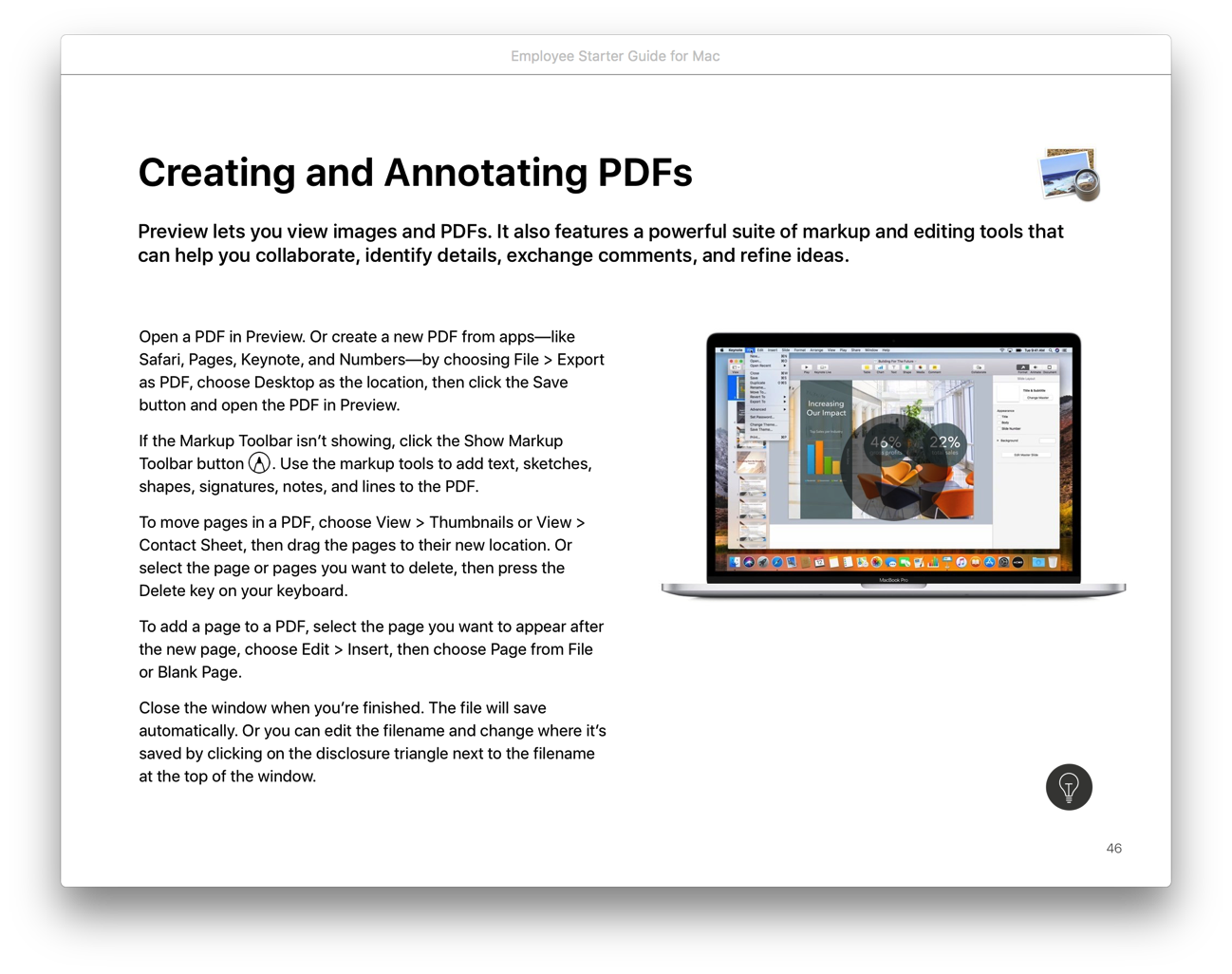
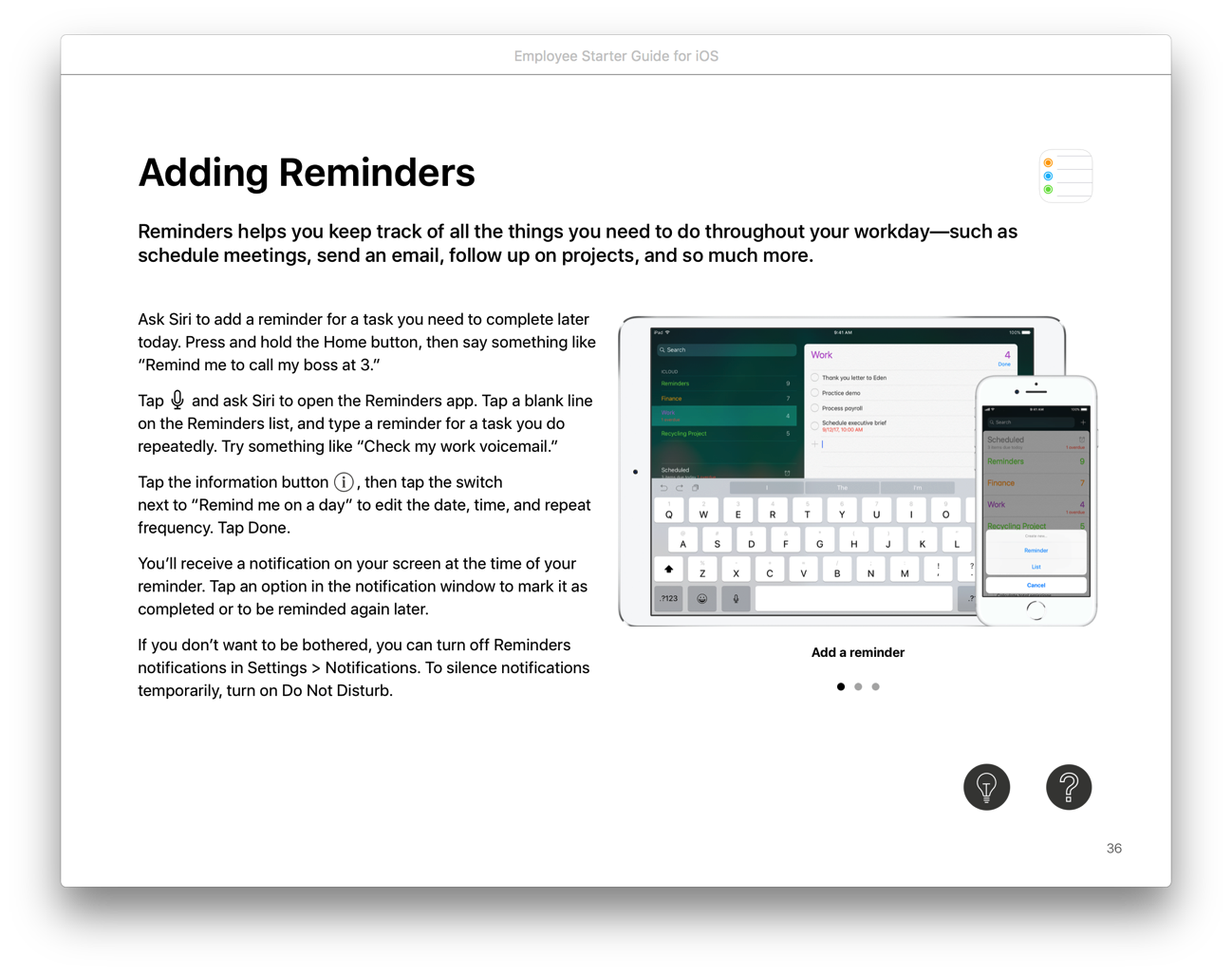
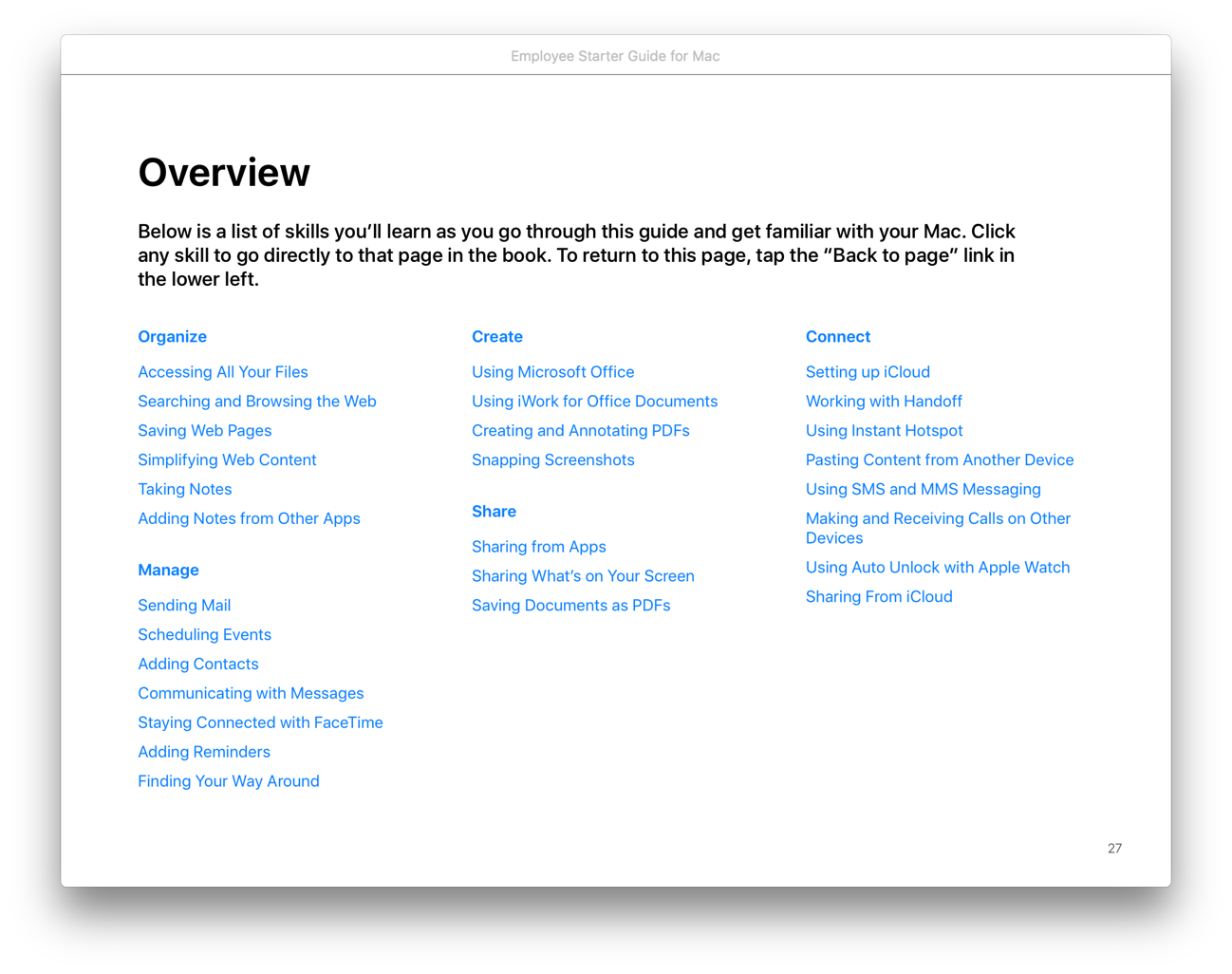
If you’re trying to get coworkers up to speed on Mac or iOS, Apple has recently released two books to help: Employee Starter Guide for Mac and Employee Starter Guide for iOS. I’ve just started going through them, but they seem to start at the ground level, and build from there.
Both books are broken into four sections: Learning the Basics, Next Steps in Working with Mac/iOS, Extending Productivity Further, and Support for Mac/iOS. Each section is broken into subsections that go into detail about using a Mac/iOS device for different aspects of work, such as for collaboration.
The books include recommendations for third party apps where appropriate. For example, the iOS book recommends PDF Expert and three other apps in the “Annotating PDFs and Forms” section.
Tech geeks are accustomed to finding answers and help online, but these books might be helpful to “normal” users who are just getting started with Mac or iOS. If you are looking for reference materials for your employees, or even for yourself, check these out.
Hat tip to Dave Marra, who mentioned this on Twitter.
I’ve mentioned this already on Twitter, but realized I’ve never discussed it here – back in October, I put Han Solo on trial, and I have the video to prove it. I acted as the prosecutor and Edward Paskey, Esquire acted as defense counsel in a mock trial before the Honorable Joseph C. Adams, President Judge of the York County Court of Common Pleas. The name of the case was The Galactic Empire v. Han Solo, and it was presented before approximately 60 “jurors” who were on hand to get a CLE credit.
The point of the “trial” was to demonstrate the use of the iPad and other technology in the courtroom. After making our closing arguments, Attorney Paskey and I deconstructed how we used technology in our respective cases, including the use of timelines, medical exhibits and models, exhibit annotations, maps, transcript call outs, and more. The main tools we used were TrialPad and Keynote.
Judge Adams recorded the trial, and edited it into a final product that is quite slick:
I don’t practice criminal law, which is probably obvious from the video. In preparation, I also worked backwards – I started with the technology and videos I wanted to demonstrate, and tried to craft a somewhat coherent argument around them. While this isn’t how you would want to handle a real case, I think the “trial” went off well for its intended purpose.
I’ve uploaded a digital version of the information we gave to attendees at the trial/seminar.
I want to give a special thank you to Mark Metzger, from whom we stole the idea. He did something similar at the MacTrack Legal Conference (then called MILOfest) in Orlando in 2015.1 Mark was also kind enough to send me many of the Star Wars assets we used in the trial.
If you use a Mac, this conference is a must-attend. ↩