
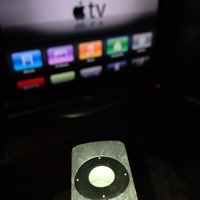
 Where there’s a tech annoyance, there’s a clever person with a workaround to eliminate that annoyance. Tired of all the unused icons on your Apple TV? You can hide them by going into Settings > General > Parental Controls, and picking which built-in apps to hide. I’ll be trying this tonight.
∞ Finer Things in Tech » How to customize, remove apps from the Apple TV home screen

jsc810Joe says:
Awesome….thanks for the tip!
June 22, 2013 — 5:59 pm
Evan Kline says:
You’re welcome!
June 23, 2013 — 10:52 am