

After many years of being a Windows user, I’ve gone back to my roots. My first computer many years ago was an Apple IIe, and now I’m the owner of a Macbook Air (although, to be honest, it is a secondary machine for me). The transition from Windows to Mac is much like learning a new language. Here are a few tips that would have made my transition easier had I know them from the start. Hopefully, they will help some of you who are also making the switch. Read more
Archives (page 131 of 199)
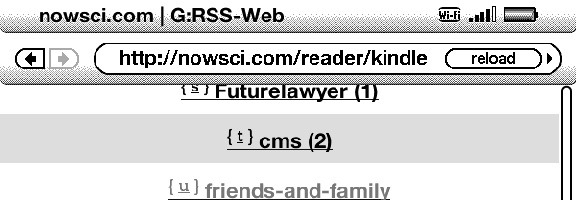
The Kindle and other eReaders are great for reading books, but you don’t have to stop there. With a bit of initial work, you can turn your Kindle or Nook into a competent reader of your RSS feeds from Google Reader. G:RSS-Web is a service that allows you to access your Google Reader feeds in your eReader’s web browser, in a format designed for your device.
Go to a G:RSS-Web address in your device’s browser (on the Kindle, you can find your browser in the Experimental section), where you’ll be walked through setting up your account. G:RSS-Web uses OAuth for accessing your Google account. On the Kindle, the device that I’ve used with G:RSS-Web, you use keys to navigate through your feeds. Typically, each link on the page has a keyboard letter associated with it. Hit the key, and load that link.

G:RSS-Web won’t have you rushing to throw away your computer or your mobile phone, but it is definitely serviceable. It is also free. Do you access Google Reader on your Kindle? If so, let us know how in the comments.
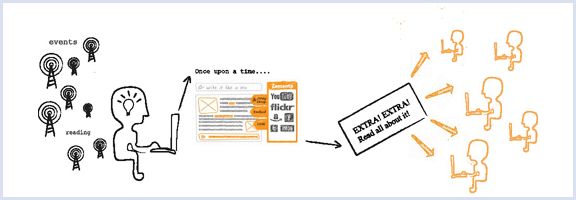
We write and converse a lot about productivity tools here on 40Tech, and the Grown-Up Geeks who frequent our small but fertile domain (that would be you) have always given us much to think about in terms of alternative methods and technologies. With that in mind, we’d love the opportunity to learn even more from you! We want to know your workflow; the tried and tested methods that you, personally, have found to get things done using tech.
Image by zemanta
Post in the comments, or send us an email, whatever works best for you. We’d be really interested in selecting a few and working with you to turn them into posts. Maybe we can even discover some sort of uber-workflow within them all that will better all of our lives.
Yeah, that last bit may sound like a stretch, but don’t hold the cheesy wording against me – it could happen!
So what’s your workflow?
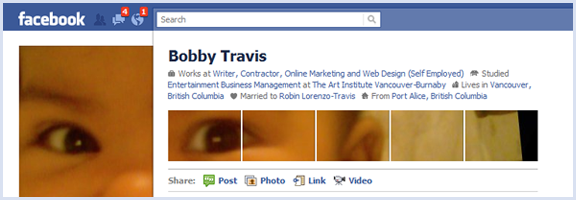
You might have seen posts floating about the web about creative uses of the new Facebook profile page’s photo layout. If it seems like a bit of work, there is a way you, too, can be ultra cool and trendy — but with little to no effort on your part. This is the best sort of trendiness, in my opinion, and all you have to do is fall for a rather clever marketing scheme by Schweppes.
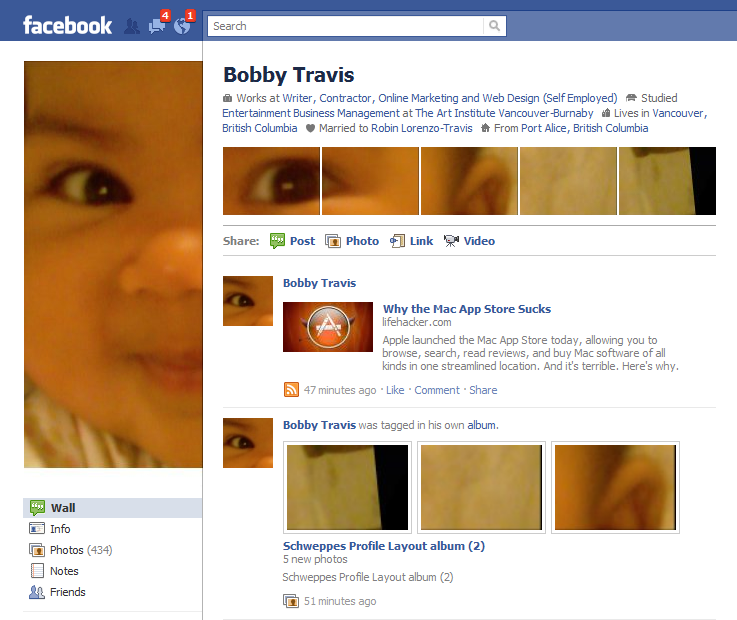
Schweppes — yes, the ginger-ale company — has put together a very simple to use app that will walk you through the process of creating your custom six part image with only a few clicks. I created mine in about three minutes, and most of that time was taken up in finding the picture I wanted. The only catch is that you have to Like the Schweppes fan page to get access to the app, which not only makes them look good, but also opens your Facebook stream up to Schweppes-related information. As a marketer, myself, I appreciate the cleverness of this approach — but if you don’t want to be subjected to beverage propaganda, there are several Facebook options you can employ to rid yourself of it.
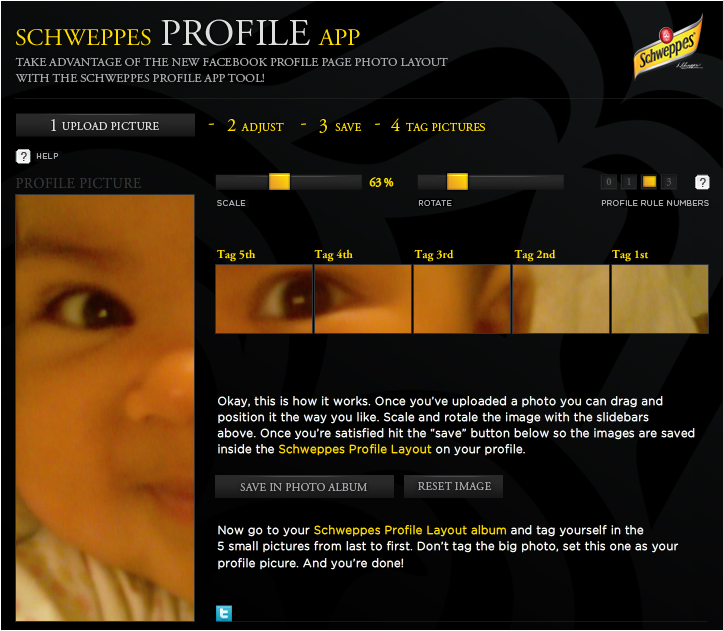
The Schweppes Profile App allows you to upload a picture, drag it about to get the ideal visible area, resize and rotate the image via sliders, and adjust the height of the line of five images that appear below your info at the top of your Facebook profile page. Once you’re ready to go, you save and upload the now-sliced images to Facebook, then click a button to be taken to the automatically created album, so that you can tag the small images and add the large one as your profile picture. The images are even named in such a way as to give you instructions about which one to tag first (they have to be done in the proper order).
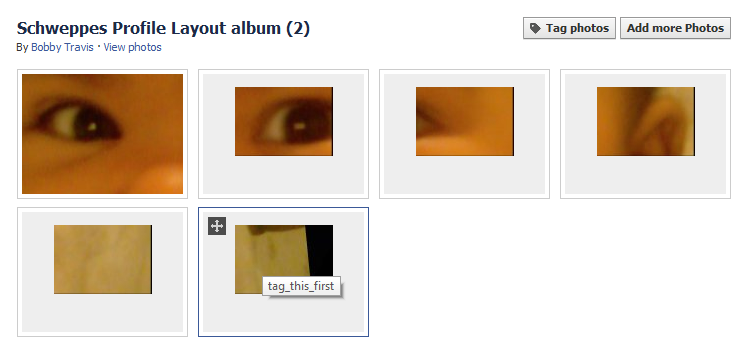
I had fun with this app, and can see myself playing with all sorts of pictures to see what interesting special me-ness I can add to my Facebook page. Click here to try it out. You can always get rid of Schweppes when you’re done.
Post links to your screenshots if you dare!
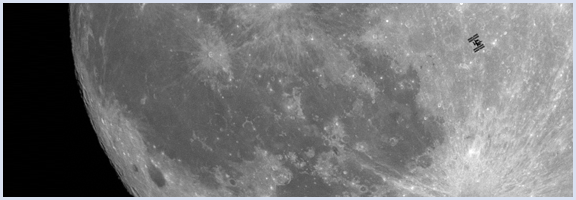
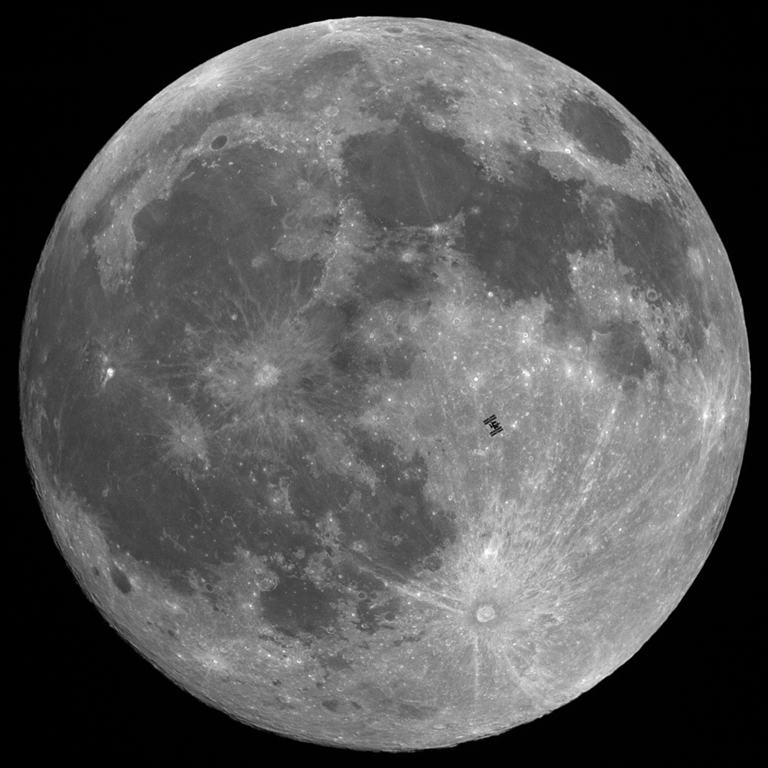
Hall of Fame French astrophotographer, Thierry Legault, is obviously a man who is big on planning. If not, it is highly unlikely that he would have been in just the right place, at just he right time to take photographs of the International Space Station as it passed across the faces of the sun and the moon.
The images below both had an action window of less than one second, and though obviously tiny in comparison to the heavenly bodies, the International Space Station comes across incredibly clearly. The one of the sun is particularly interesting, as it takes place during a partial solar eclipse, and the space station shares the spotlight with a small black dot in the lower right corner of the sun — that is actually a sun spot that is larger than our entire planet.
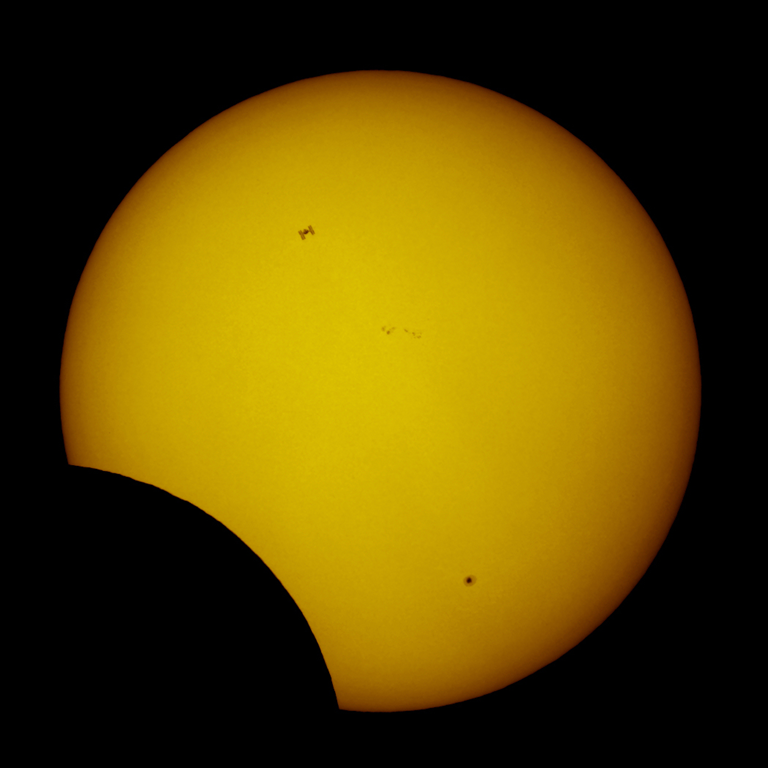
If you are into what’s really going on in the sky, you should check out Thierry Legault’s website. It’s a terrible site, in point of fact, but the photographic content on it is amazing!
Amazingly well-timed photos of ISS silhouetted against moon, sun [Make]