We’re always looking for a better way to filter and experience all of the content we discover on the web. Thankfully, there are a ton of great feed readers and news discovery apps out there. Three of the standouts, Flipboard, Zite (which we somehow never wrote an article on, directly), and PressReader, have recently received some significant updates. Some might even call them game-changing. Either way, they’re significant enough that we feel the need to share them with you, so read on! Enjoy! And comment, of course…
Flipboard and Zite
When Flipboard came out, it blew people’s minds. All of your Google Reader content boiled into a pretty, personalized magazine? Awesome! Especially when you consider that it would do the same with your Twitter and Facebook feeds.
Then Zite came out. It wasn’t as flashy as Flipboard, but it had a nice, minimalist feel to it, and a fancy learning algorithm that helped it to feed you the content you would find most relevant. Aside from Feedly, which came to iOS later (but had been a web app since before the iPad existed), there was really nothing that could compare with Flipboard and Zite for stylized delivery of your favourite content. And all for free, too.
Both of these apps did what all good apps do: they kept updating. Mostly, they kept adding more ways to share content and more ways to bring new content in — everything from Tumblr to Instagram to their own suggested feeds organized by topic could be added to your magazine. Flipboard and Zite weren’t just for organizing your own content, they were discovery engines as well!
There was only one problem… with all of the updates, the one that everyone wanted never came. Where, oh where was the iPhone app? Yes, yes, Android users, I know the Android app was wanted, as well, but this is an iOS post — it says so in the title. :P
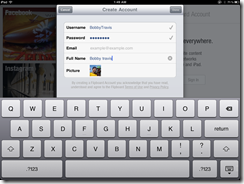
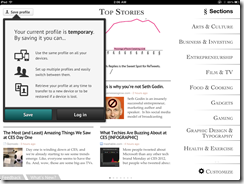
Well, the updates that people were waiting for are in and both Flipboard and Zite are now available for the iPhone. To make things cooler (and make sure that you stay engaged with their apps), Flipboard and Zite both offer a way to synchronize your feeds between devices. All you have to do is sign up for their free accounts.
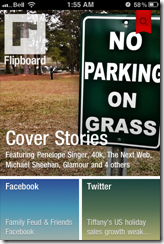
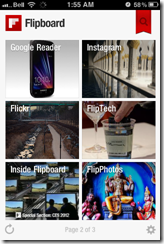
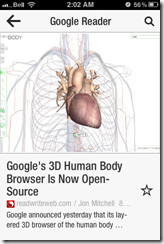
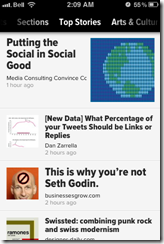
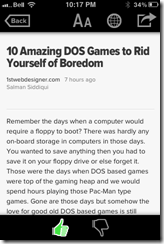
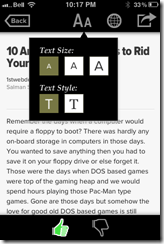
If you love the look of Flipboard but wish it had the same learning ability of Zite, then you’ll be happy to hear that the iPhone version does do something very similar. The iPad should get that feature soon. Zite still has a slight edge for massive content consumers, however — or for shared iOS devices. The app allows for multiple accounts, which makes it easy to set up and switch between magazines for work, pleasure, news, food, different people; you name it.
PressReader (by NewspaperDirect)
I love PressReader simply because it is a fantastic use of technology. It allows people to experience their local newspaper — and newspapers from all over the world — right on their iPhone or iPad (it’s on Android and the web as well). It’s fantastic. People who aren’t ready to part from their traditional means of reading the news can still have it. In many ways, the experience is enhanced, as well; most especially with the sharing features of the app, and the text-to-speech capability that allows your iPhone or iPad to read your paper to you on the go.
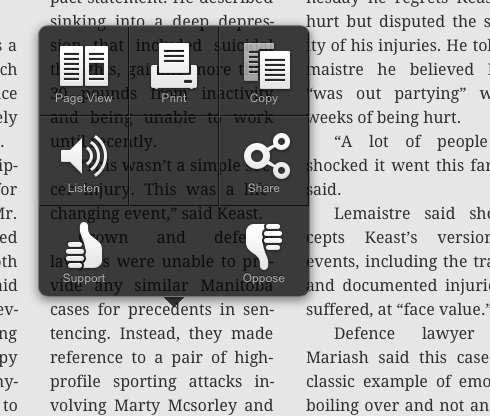
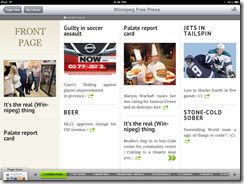
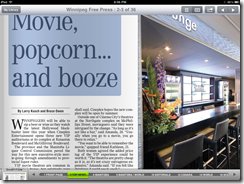
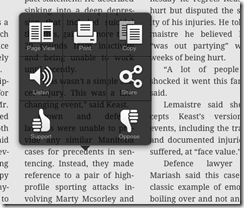
PressReader’s most recent update not only brings the app up to date with iOS 5, but it also adds a bevy of new features that make the experience even better. The most notable is the (iPad only) SmartFlow technology that visually optimizes the newspaper for the iPad, much in the same way that Flipboard and Zite prettify content feeds. This feature can be turned on and off in settings, and enabled per article and page from the nifty new press and hold menu. It’s a bit intense for the first generation iPad, so it is off by default. I found it worked well enough with mine, though, with only the occasional crash.
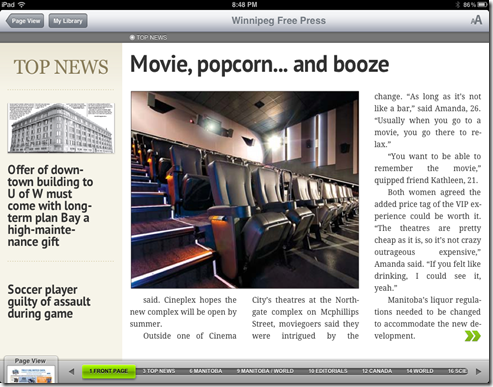
PressReader has also added push notifications so that you can know right away when the latest version of your favourite paper is out. It’s like it’s got a built in paperboy — or maybe paperperson?
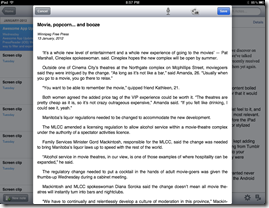
Finally, the added ability to copy and paste articles directly into note taking applications is a nice touch for those of us who use Evernote and friends (see: Us).
I’m loving the updates to PressReader, Flipboard, and Zite. They are, in a word, Awesome. I think you should get them and you should love them. If you are using a first generation iPhone or iPod Touch, though, don’t get the PressReader update. Your tech will not like you.
What are your thoughts on these recent Awesome App Updates?