Menu Close

Category: Android (page 5 of 11)

Plume: My Android Twitter App of Choice [App of the Week]

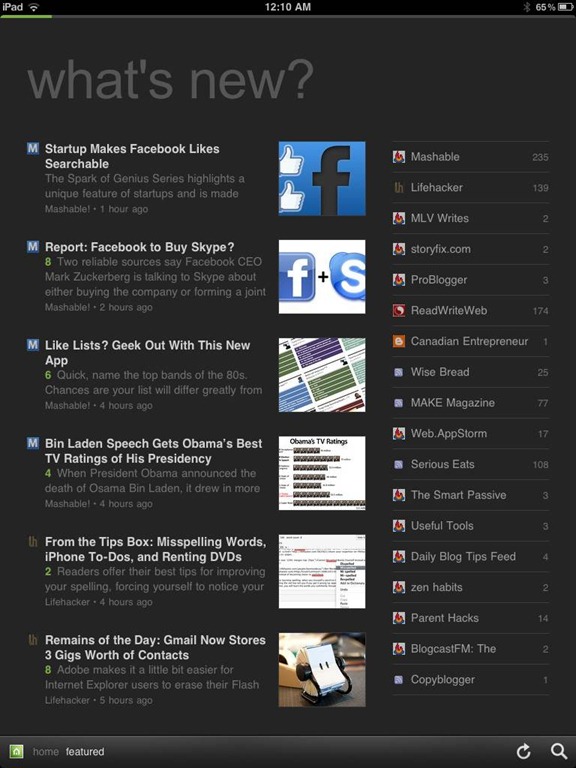
Plume

I have a confession to make. If I follow you on Twitter, there’s a good chance that I don’t see any of your tweets. Twitter got so busy for me, that the only way that I could manage it, was to sort people into lists. I have several lists, but I have one super-special list for the tweets of users that I don’t want to miss. When I’m busy, that’s the only part of Twitter that I ever see. When I try out Twitter apps, therefore, list support is the first thing I check out. That’s why I use Plume . . . but I’m open to suggestions for an app that handles lists even better. If you know of one, let us know in the comments.

Read more


App of the Week: DoggCatcher Podcast Player [Android]

DoggCatcher

One of the much-ballyhooed strengths of Android is its openness and how much choice it gives users. Those strengths are illustrated well if you want to pick a podcast client for Android. The iOS landscape may have changed in the last few months since I switched to Android, but I always found the iOS podcast experience to be lacking. Not so on Android, if you use DoggCatcher, an excellent podcast client.

Read more


App of the Week: Feedly [iOS, Android, Web]

Feedly RSS Reader for iPad, iPhone, Android, Tablet, Web | 40Tech App of the Week

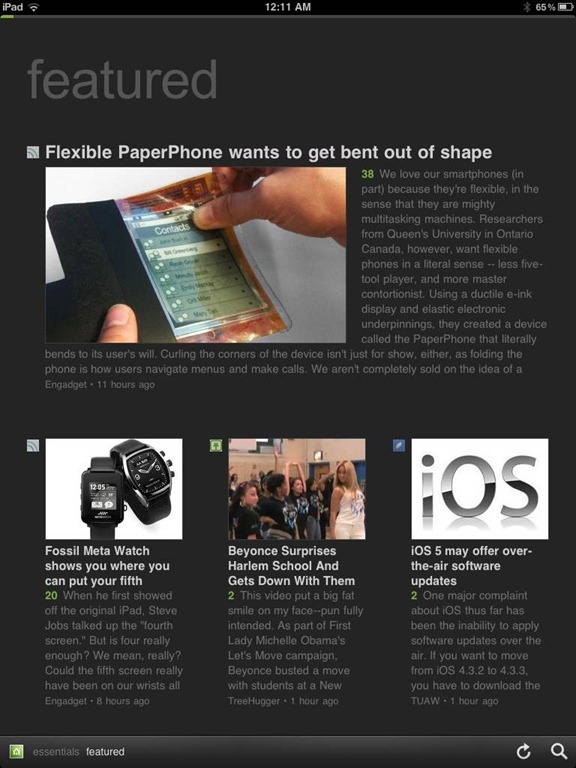
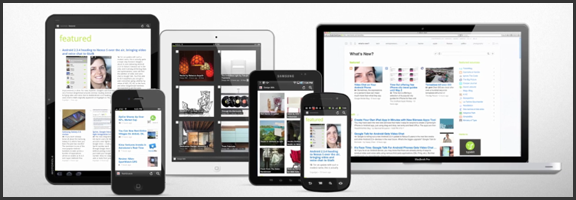
We’ve covered Feedly before (and we thought it was great!) but the RSS feed reader to smack all others is now much-improved. The web app has seen several updates in functionality and sharing features, and the recently released and updated mobile apps have been generating a lot of positive attention. And why not? The experience is nearly identical on both iOS and Android phones and tablets, and Feedly Mobile 2.0 easily competes with the likes of Pulse, Flipboard, and Zite. With an update or two, it might even blow those apps away completely.

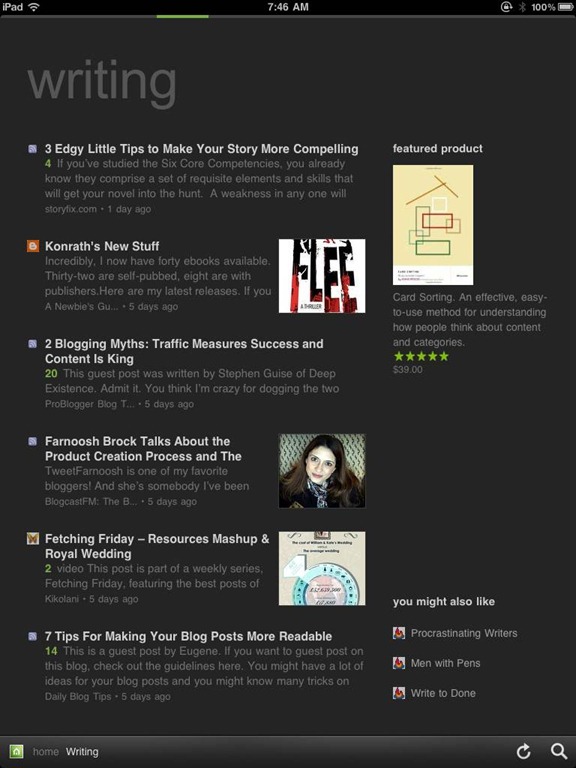
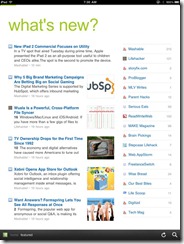
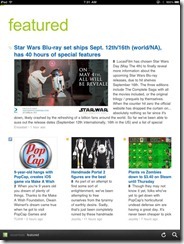
Feedly’s minimalist magazine design focuses on the content, presenting it in an easy to read format that is complemented by the app’s simplistic navigation. The mobile apps are especially barebones, keeping the effects to a minimum, and the overall presentation is extremely appealing. The toolbar on the bottom of the screen allows you to like (on Google Reader), bookmark, email, and share articles on Twitter. You can also enable saving to Instapaper and Read It Later. The web app has several more options for sharing content, but the basics are available in Feedly Mobile 2.0, with the exception of one service: Facebook. That seemed like a bit of an oversight to me (and that’s me understating the obvious), but the developers assure us that Facebook functionality will be available in version 3.
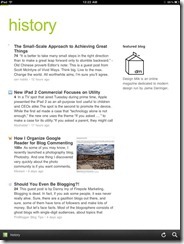
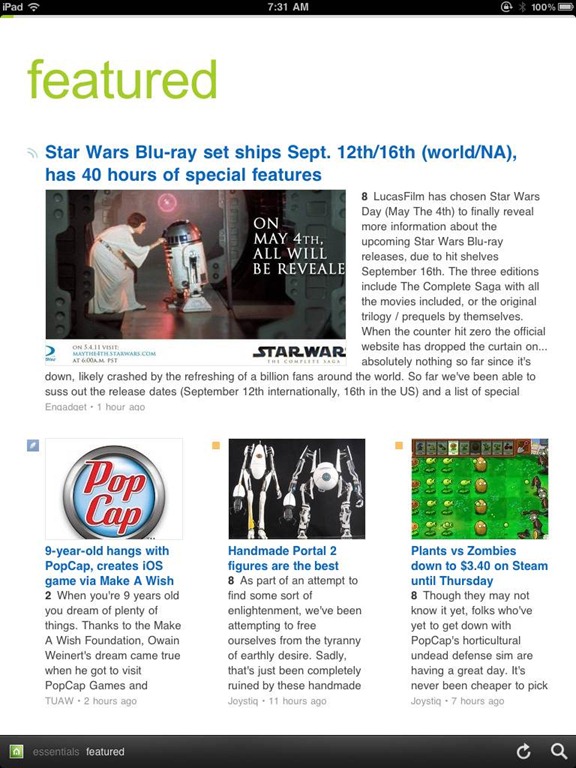
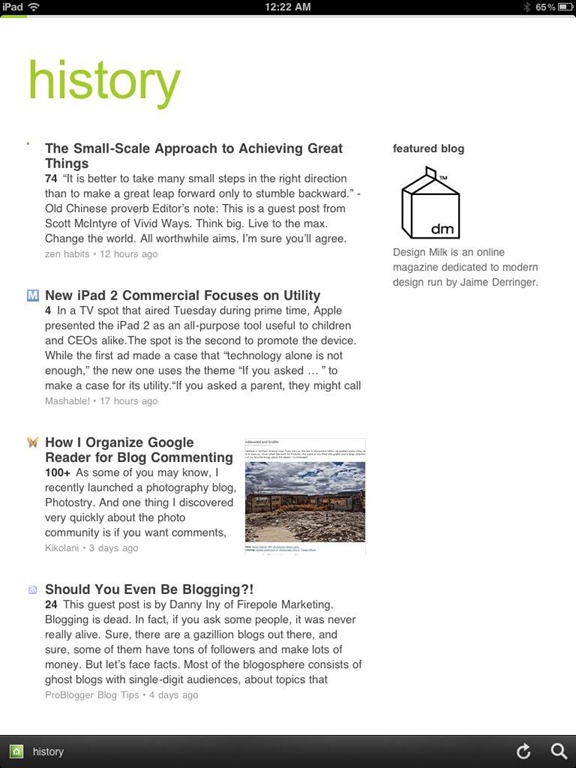
Feedly Mobile 2.0 iPad RSS Reader | 40TechFeedly Mobile 2.0 | Google Reader Magazine | 40TechFeedly Mobile 2.0 | Find Already Read Posts in History | 40Tech

One of the best things about Feedly is its learning algorithm. While you read, the app learns about the topics that interest you most, and does a great job configuring your personal magazine around those interests, bringing your favourite types of content to the forefront. You can always go through your sources one at a time, if you like, but taking advantage of Feedly’s different sections — each one tailored just for you — really helps to keep your reading moving and you engaged. Feedly also offers suggestions, periodically, of other sites that may suit your interests, which is helpful.

If you don’t feel like connecting with Google Reader, Feedly does have a host of content already available for you to sort through, but it works best when you are logged in.
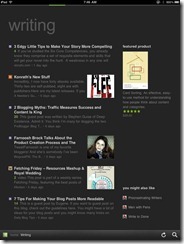
Feedly Mobile 2.0 Dark Theme | 40TechFeedly Mobile 2.0 iPad RSS Reader Magazine | 40TechFeedly Mobile 2.0 RSS Feed Reader | 40Tech

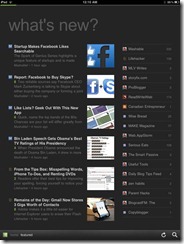
Feedly Mobile 2.0 is every bit as fantastic as the web app. It’s incredibly responsive, and is beautiful to look at on all platforms, including iPhones and Android phones, the iPad, and Android tablets of different sizes (both 7″ and 10″). There are a few niceties packed into the HTML5 goodness, as well, such as an instant search bar, a black or white theme (which helps with night reading and can be changed with a shake), a history section, and the ability to start on the magazine layout or category of your choice. There are still a few kinks that need to be ironed out of the mobile apps, however, such as the lack of Facebook sharing, and that the app only works in portrait mode. Hopefully these issues will be resolved in an update or two. I’d also like to see some of the additional sharing options in the web app find their way to mobile as well, especially sharing on LinkedIn and Evernote.

Feedly is free, and it kicks butt. Get it.

Now you know I love it — what about you?


Which Android Browser Is Fastest?

Android browser speed test

One of the ways to speed up web browsing on your smartphone is by using a snappy browser. On Android, you have many choices. Recently, both MakeUseOf and PC Magazine put several Android browsers through the paces, to see which one was fastest. The browsers tested by MakeUseOf included Firefox, Dolphin Mini, Dolphin HD, Opera Mobile, xScope, Skyfire, and the stock browser. PC Magazine tested Dolphin HD, Dolphin Mini, Firefox, Opera Mobile, and Opera Mini.

The conclusion? According to MakeUseOf, Firefox was the fastest. It beat the competition in the synthetic benchmarks, and edged the other browsers in the page loading test. The losers were Skyfire, and the stock Android browser. My browser of choice, xScope, fell in the middle of the pack.

PC Magazine didn’t rate the browsers just based on speed, but if you click through to the individual browser reviews, you will see the speed results. Unfortunately, at the time of this writing, the article appears to have a typo and shows the same chart for two of the tests. Still, reading the text of the reviews, it appears that Firefox comes out on top, with the other browsers displaying mixed results. As the Firefox review notes, though, Firefox’s mobile offering has other issues, such as video handling and how it displays pages.

My take? Speed isn’t the only consideration. See which browser feels most comfortable to you, so long as the speed is acceptable. My browser of choice, xScope, sports a user interface that I love, and respectable speed. Once you get into the middle of the browser speed results, the differences among browsers was negligible, making other considerations more important.

What is your favorite Android browser? What do you like about it?

The Best Browsers for Android [PC Magazine]

What’s The Fastest Android Browser? [MakeUseOf]


[Reader Survey] What Kind of Battery Life Does Your Smartphone Get?

battery life for smartphones

Smartphone battery life is a fickle thing, not only between different phone models, but among supposedly identical phones. After nearly two years with an iPhone, I started using my Android-based AT&T Captivate in December. One difference, among otherwise Android awesomeness: pathetic battery life. I installed Serendipity, a custom ROM, and saw some improvement, but I still can’t go from morning until bed time without plugging in the phone. The catch, though, is that other Captivate users who run Serendipity report battery life that is double what I get. Battery life seems to depend on an individual’s usage, the apps installed, and the condition of the battery in the device.

Let us know in the comments what kind of battery life you get. Make sure you let us know what phone you use, how heavily you use your phone, and any tips you’ve come across to increase your battery life.

To get the ball rolling on some tips, here is a very thorough thread from the xdadevelopers forum, for you users of Android custom ROMs, with several tips and links about how to improve battery life. The tips include deleting your battery stats, and doing a “bump charge,” among others. I’m running at about 13 hours now. How about you?