
Menu Close

Author: Evan Kline (page 62 of 164)

Hello, I'm Evan. I write about tech from my perspective – that of the average tech geek, sometimes with my lawyer glasses on. You can also find me on Twitter and at my real-life job as a lawyer.    MORE ABOUT ME.

Quickly Extract an App Icon For Use Elsewhere

[Mac] Someone please tell me why I didn’t discovery this, oh, maybe six years ago? If you have a blog and write about software, you’re constantly looking looking for high quality icons to use. The method quoted at the bottom of this post from Macworld makes it easy.

Even easier, I’ve found, is a tip I stumbled upon a while back on another site. I’ve been unable to relocate the source, so regretfully can’t credit it, but I remember the tip: find an application in your Finder, and drag it onto the Preview icon in your Mac’s dock. Preview will then open, showing you all of the artwork used in that application, including the icon. You can then export a high quality version of it to use in your blog post.
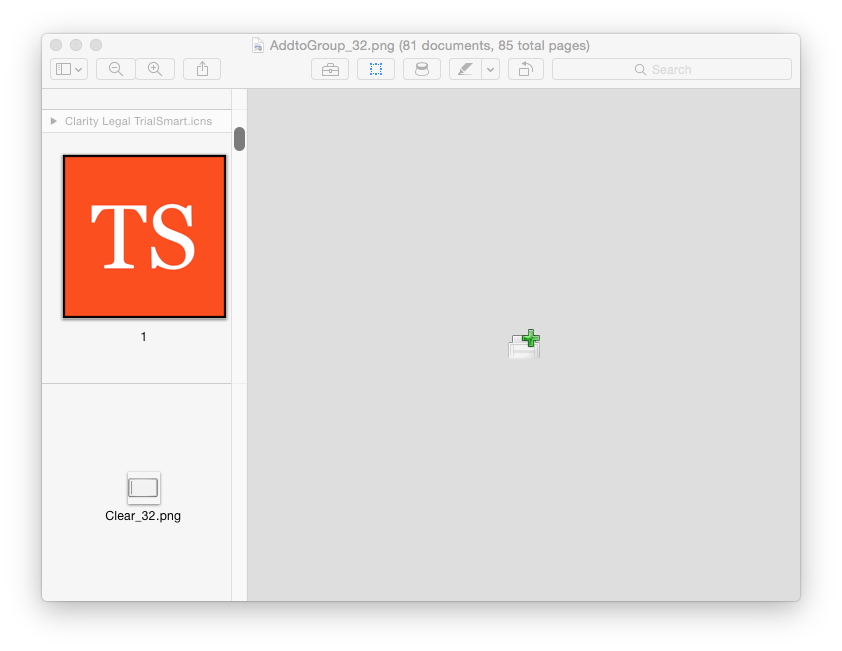
Use Preview to extract app icons

In the Finder, select the program in question, and press Command-C (or if you love menus, select Edit -> Copy). You’ve now got a full copy of the application on your clipboard. . . Now launch Preview, and press Command-N (File -> New from Clipboard for you menu users). You may be surprised at the result: a full copy of the chosen application’s icons, in every available size.

Easily view an application’s icons | Macworld


3 Note-taking Apps, Used Together

For the past few years, I’ve been using three note taking apps side by side. Two of the three apps have stayed the same over the years, while the third has changed a couple of times. Why three apps? It’s partially a function of the strengths and weaknesses of the apps I use, but it’s largely a function of my brain liking to keep different types of data segregated into different apps. In my system, each app serves a different purpose:

Read more


Scrivener for iOS Enters Closed Beta

If you’ve been waiting for Scrivener to hit the iPad and iPhone, there’s finally light at the end of the tunnel. Literature and Latte, the popular writing app’s developer, has announced that Scrivener for iOS is now feature complete and has entered a closed beta. The initial version of the iOS version will use Dropbox to sync with the Mac and Windows versions. A summer release has been targeted.

I’ve found Scrivener on the Mac to be quite handy for legal writing. I can organize research within the app, and break down my document into sections that I can easily rearrange. The grand plan, of course, is to use the app to write a novel some day.

The Cellar Door » A Quick iOS Update | Literature and Latte blog


The Friction-free iPad

I’ve owned an iPad since shortly after the device debuted, and I swore that I’d never use a keyboard case. I had a MacBook Air to use when I wanted a portable device with a full keyboard. I also didn’t like the idea of turning my iPad into a Frankenstein device, with accessories bolted onto it. My thinking on this has recently turned 180 degrees, though – I’m now sporting a new Belkin QODE Ultimate Keyboard Case on my iPad. Read more


Mac Clean Install Checklist

With about every other OS X release, I perform a clean install on my main Mac. There’s a good overview on how to perform a clean install at OS X Daily. I’ve gradually worked up a checklist in Evernote for what I need to remember to do both before and after the install is complete. Here is my checklist.

Read more