
 We’ve been told a few times that our content here at 40Tech appeals to more than just us "older folks." We’re curious now… we need to know the truth! Please take a minute and answer this two question survey [external link] and help us in our quest for knowledge. This will help us learn just a bit more about our readers, as a whole, and also help us improve the site. No personally identifiable info is collected, we promise.
Author: Evan Kline (page 145 of 164)
Hello, I'm Evan. I write about tech from my perspective – that of the average tech geek, sometimes with my lawyer glasses on. You can also find me on Twitter and at my real-life job as a lawyer. MORE ABOUT ME.
 There are many reasons why you might want to access your home computer while away from home. You may need to access a program or file on that machine, or you may need to browse to a website that is blocked in your current location. Fortunately, there are free options available that let you access your home PC. Today, we look at two of them- LogMeIn Free, and TeamViewer. The two applications have similar functionality, but go about things differently. Read on for a comparison between LogMeIn Free and TeamViewer.
 The possible uses of Evernote are endless. We’ve previously written about 10 ways to use Evernote to unclutter your life, how to use Evernote as a GTD tool, and how to put Evernote to use on your iPhone. It’s been a while since we’ve talked about our favorite tool, so here are 10 more uses of Evernote for you to consider. We’d love it if you’d help out, too, and share with us the ways that you use Evernote, down in the comments.
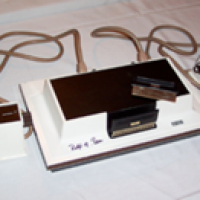 Are you like me, and get frustrated when one of your gadgets doesn’t work to perfection? It is easy to forget just how far we’ve come. Technology advances at a breakneck speed. The gadgets and gizmos in our lives change drastically from month to month, let alone from year to year. An earlier comment by one of our readers, Jim Saul, got me wondering what tech was like in the year I was born, 1968, compared to today. Read on to see what I discovered.
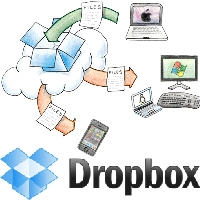 Dropbox is one of our favorite apps here at 40Tech. The traditional use of Dropbox is to make files, such as photos and documents, available on any computer you use, or even on your mobile phone. But if you think outside the box (bad pun intended), Dropbox can be used in other ways to make you more productive when away from your main computer. Read on for a few suggestions.