Menu Close

Archives (page 55 of 199)

Google Chrome Explodes On To iOS, Puts Desktop Experience In Your Pocket

Google Chrome Explodes On To iOS, Puts Desktop Experience In Your Pocket | 40Tech

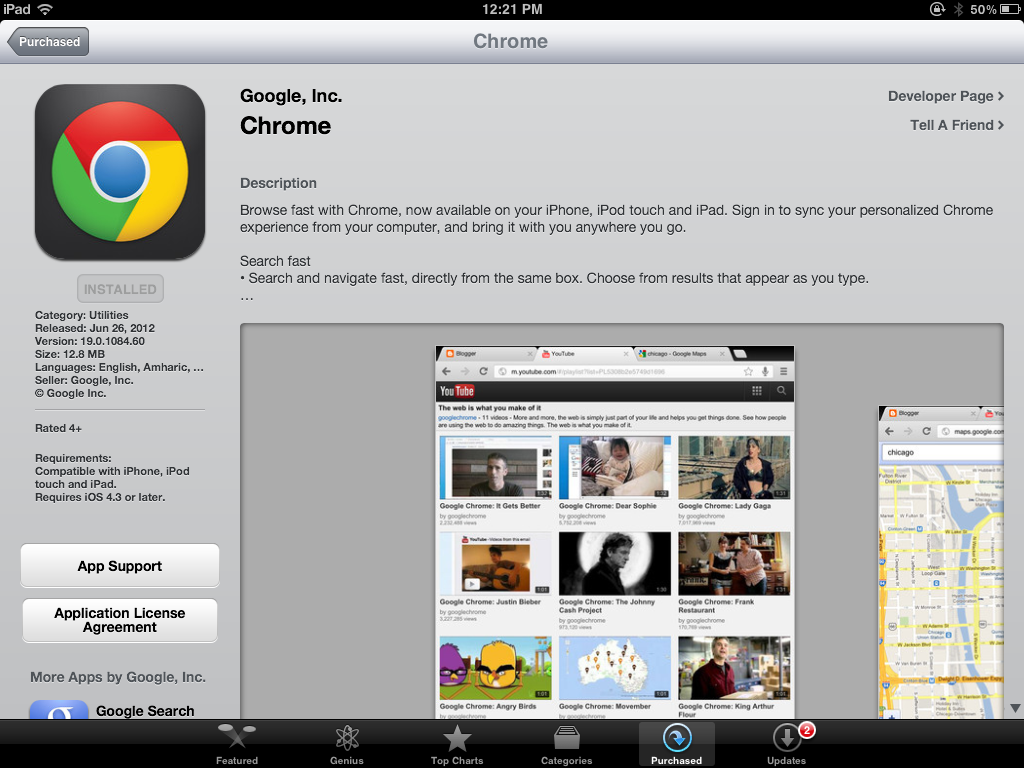
If you hadn’t already heard, Google Chrome for iPhone and iPad was released this week — and it promptly became the #1 free app on the app store. This is something that we’ve been waiting for with baited breath, and something that I, personally, was never sure would happen properly due to the rivalry between Apple and Google.

Have no doubt, though, it’s here — and it takes the best of Google Chrome’s desktop browser and jams it neatly and prettily into your pocket.

Google Chrome for iPhone | 40TechGoogle Chrome for iPad | 40Tech

One of the best features of Google Chrome for iOS is the integration of Chrome’s sync technology. If you have ever wanted the ability to open up any device — iPhone, iPad, Android, any computer that you’ve signed in to Google Chrome on — and pick up browsing from where you left off (again, on any of them), then you have reason enough to love Chrome for iOS app as the final piece in that puzzle.

It syncs your browsing history, open tabs, omnibar searches (yep, all that omnibar instant search power is in there, too), passwords, bookmarks, etc., etc., etc. Chrome was always great for being able to hop from computer to computer, but now you can hop from computer to computer to mobile and back again — and seamlessly, at that.

Chrome for iOS | Request Desktop Site | 40TechChrome for iOS | Bookmark Sync | 40TechGoogle Chrome for iOS | Sync Across All DevicesGoogle Chrome iPad App | 40Tech

That’s just the tip of it, though. Google Chrome for iPhone and iPad is blazingly fast, has an intuitive interface, and comes with niceties like easy, swipe-based tab switching, tracking of recently closed and most-visited web pages, voice-based search capability (Google’s not Siri’s),  search within web pages, and the ability to request a switch to desktop mode for entire sites at the touch of a button.

Google Chrome for iOS also includes Incognito Mode, and allows you to have as many open tabs in the browser as you damned well please. Chrome for iPhone is beautifully designed and extremely intuitive, and Chrome for iPad is the closest thing to a desktop browser that you will find on any tablet.

Chrome iPhone App | Omnibox Search | 40TechChrome iPhone App | Drag To Open, Close Tabs | 40TechChrome iOS App | Swipe to Change Tabs | 40TechChrome iOS App | Sign in to Sync | 40TechGoogle Chrome for iPhone, Google Chrome for iPad | Incognito Mode | 40TechChrome iPhone App | Collapse, Expand, Swipe Tabs | 40TechGoogle Chrome iOS App Settings | 40TechGoogle Chrome iPad App | Drag Tabs, Scroll Tabs | 40Tech

As with anything, though, Chrome for iOS is not perfect. There is no read later functionality, which you may miss if you love it in Safari, and heartbreakingly, there is a fairly consistent lag issue. Don’t get me wrong… when it works, it’s stupidly fast — but there are times, especially on pages with Javascript, that you will be typing or touching a button and nothing will happen for a few seconds. This can be an extreme pain in the ass, and may even be a deal-breaker for some. There may not even be much Google can do about it, because it could be related to Apple not giving other browsers on iOS access to their Nitro Javascript engine.

If you can get past the occasional (if persistent) few seconds of waiting, though, Google Chrome for iPhone and iPad could be your go-to web browser replacement for mobile Safari (it’s certainly more stable than Safari for iPad). The possibilities excite me to no end. I’m thinking some version of Chrome extensions would be a logical next step! Either way, Chrome for iOS gives me yet another reason to jailbreak my iPhone and iPad: to cull Safari out of default browser status, once and for all.
Get Google Chrome for iOS (iOS 4.3+)


Springpad’s Still Going Strong, Introduces Facebook Like Integration

Springpad's Still Going Strong, Introduces Facebook Like Integration | 40Tech

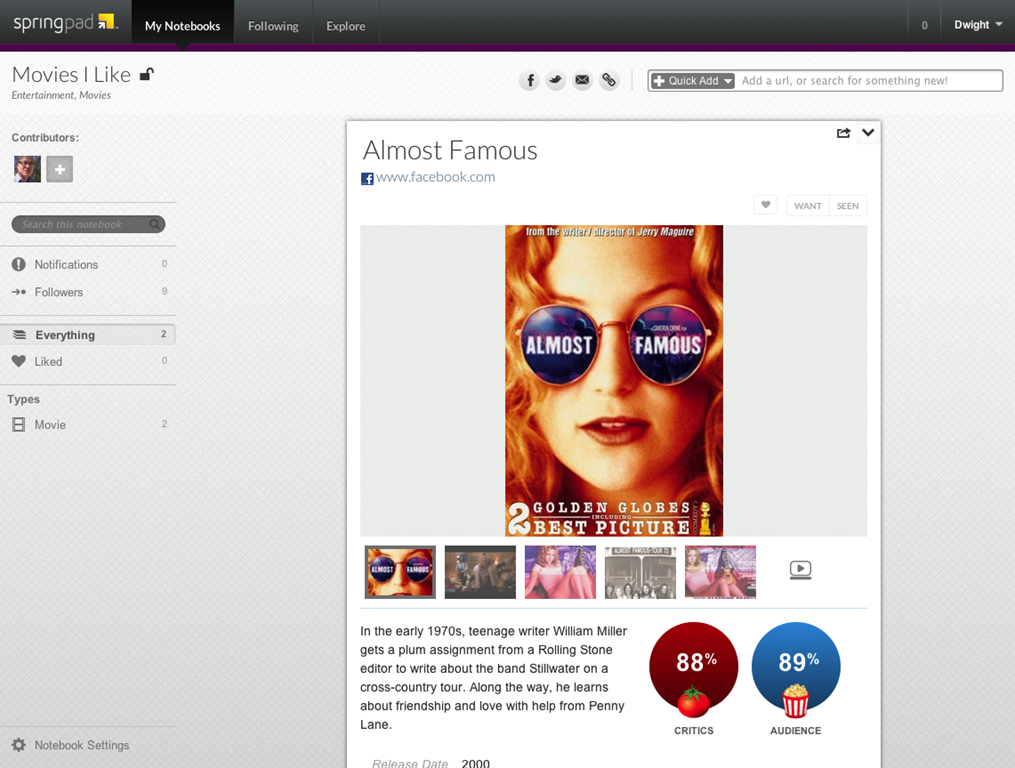
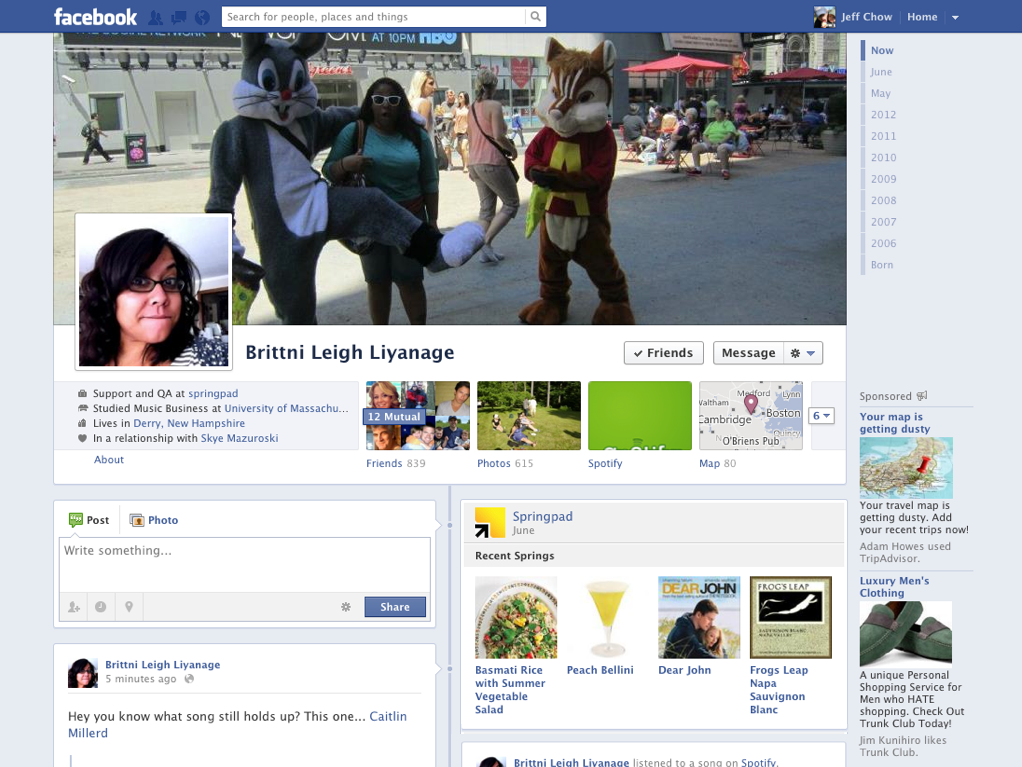
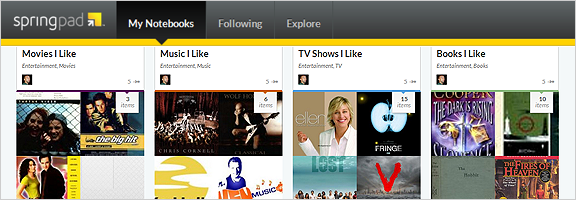
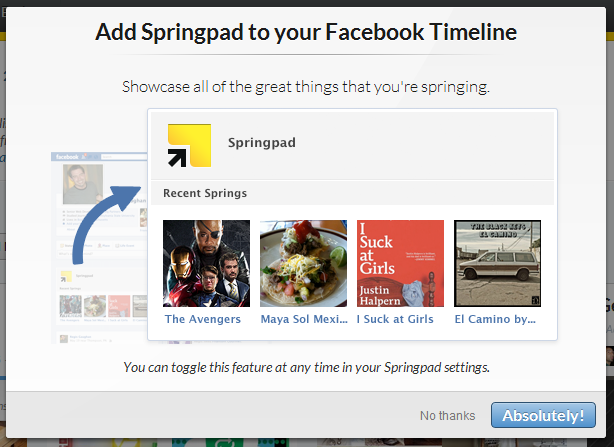
The Springpad overhaul that dropped in April led to some strong reactions from a significant portion of its userbase — but don’t count them out! I have it on good authority that they are still experiencing significant growth, and are still working toward bringing you the smartest, most actionable notebook app around. Their latest venture? Facebook integration — don’t worry, haters, it’s optional! —  that allows you to turn the movies, TV shows, books, music, and places you “like” into searchable, organized notebooks. The information is then enhanced by services like Rotten Tomatoes, OpenTable, etc., and you can even showcase your favourites by sharing them back to your Facebook Timeline.

Add Springpad to Your Facebook Timeline | 40Tech  Add Facebook Likes, Check-ins to Srpingpad | 40Tech

Facebook Likes on Springpad   Facebook Like as Springpad Enhanced Note

The new integration is a good move for Springpad (and much more focused than their last attempt at Facebook integration), as it makes an effort to enhance the experience of the social network juggernaut, as opposed to trying to compete against it. Twitter integration like this could be in the pipeline for Springpad, as well.

Springpad Facebook integration highlights:

  • New users who sign-up for Springpad through Facebook can choose to have “likes” automatically imported and categorized into Springpad notebooks
  • Springpad enhances “likes” with actionable information such as Rotten Tomatoes movie reviews and trailers, price comparisons, maps, product availability alerts, OpenTable reservation links, Foursquare tips and more
  • Springpad users can choose to share notebooks or individual items to their Facebook timeline
  • Posts to your Facebook timeline (either individual items or entire notebooks) are organized under the Springpad header
  • Facebook likes are now discoverable and actionable
  • Springpad is now available in the Facebook App Center

Springpad Facebook Integration

Currently, all items that you share back to your Facebook Timeline are public. This is in keeping with how Facebook does things, as well as with Springpad’s current “if you share it, it’s public” way of doing things. However, there is the possibility that options for selective sharing may come later, which I would like.

I would also love to see Springpad integrate with Facebook comments, to keep conversations surrounding the likes/notes streamlined — and some sort of automatic like/spring option for users of both platforms would be nice, too. For example, if I like something on someone else’s Facebook/Springpad timeline post, I would like it to spring on Springpad, or add it to my own notebook and my Facebook likes. Also, I would love it if things I add to my new Facebook-generated notebooks would appear as new likes on my Facebook timeline, as well. So far, this doesn’t seem to happen.

The new Springpad Facebook integration takes them one step further away from a standard notebook app, and forward in their evolution as an “inspirational life management” platform.

I like it. What do you think?


3D Printing Is Here! And So Are the Copyright Police

PresentNFuturePrinter

40Tech is pleased to present this guest post by Kyle from hpinkcartridges.com.

3D printing at the moment is slowly becoming a more publicly available technology. In the not so distant past the technology was only really used by big companies in industries such as engineering to create prototypes, models, etc, but within the last few years there has been a big increase in public availability with a number of cheaper 3D printers appearing on the market.

Read more


My Mac Backup System

Crashplan backup

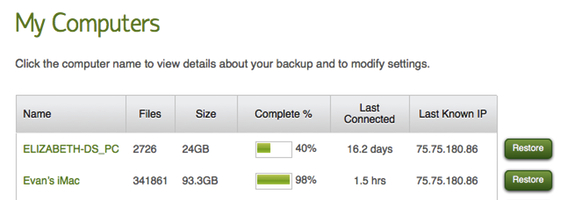
In our last post I wrote about the 3-2-1 backup rule, a backup method that builds in a few layers of redundancy, so that you have peace of mind knowing that your backups are safe. I have a system in place with my iMac that has served me pretty well. Depending on your interpretation, it doesn’t strictly follow the 3-2-1 backup rule.

Read more


Follow the 3-2-1 Backup Rule to Safeguard Your Files

Backup system

Hard drives die. You want to make sure that you have a system in place to back up your data in the event that one of your drives bites the bullet. One way to do so, and to give yourself a few safety nets, is by following the 3-2-1 backup rule.

Read more