
Menu Close

Archives (page 18 of 199)

Subscription service for Mac apps Setapp has 15,000 subscribers a year after its launch →

Romain Dillet, writing for TechCrunch:

And the numbers are quite impressive after just a year. Over 200,000 people tried Setapp and 15,000 are paying. It represents around $1.5 million in annual recurring revenue (even though a large portion of this revenue goes back to app developers). Setapp could represent a breath of fresh air for many independent Mac developers. Instead of relying of [sic] big income spikes around major releases, they could get some money every month from Setapp users.

If you’re on the fence about Setapp, I recommend trying it for a few months. The big advantage if you’re someone who already owns many of the apps the service offers: discovery and use of apps you might not even try.

I had actually gone through the trial of Setapp, and then dropped the service for several months because I already owned many of the apps. But when an app I owned came out with an update, I decided to give Setapp another try instead. As it turns out, I’m now using several apps that I wouldn’t have otherwise even tried. This was a surprise to me.
Jury Research: Ethics Risk or Competency Requirement? →

Mark C. Palmer writing for Attorney at Work:

While the ABA may liken a “passive” review of potential jurors’ social media to “driving by,” it is not always so simple. The distinction comes when the researcher must log in, or take some affirmative identifying step before accessing the information.

The ethics rules on using social media to investigate jurors differ from state to state, so you’ll have to do some homework in your jurisdiction. In some places, the notification email a service like Twitter sends when you follow someone can by itself be an ethics violation.


How to Clear Your MacBook’s Touch Bar and Secure Enclave Data →

Justin Pot, writing for How-To Geek:

Planning on selling or giving away your MacBook Pro with a Touch Bar? Even if you wipe your Mac and reinstall macOS from scratch, it won’t remove everything: information about your fingerprints and other security features are stored separately, and may remain after your wipe your hard drive.

Woah. I was not aware of this. Something to keep in mind if you’re planning to sell or transfer a recent Mac. Hit the link to see how to clear this data.


Best home security cameras of 2018 →

Michael Ansaldo, writing for TechHive:

To help you find the best security camera for your needs, we outline the key features to consider and share the results of our testing. Whether you’re looking for an easy way to check on your kids and pets, or a full-service sentinel to monitor for intruders, we’ll help find the right product for your needs.

This is a nice roundup, and other reviews share its praise for the Netgear Arlo. But I’m looking for two features that aren’t addressed here – HomeKit support, and compatibility with Synology’s Surveillance Station package. Cameras with support for the former are in short supply. I’m going to let this market settle a bit before investing too deeply in the home surveillance market.


Apple Releases Employee Starter Guides for Mac and iOS

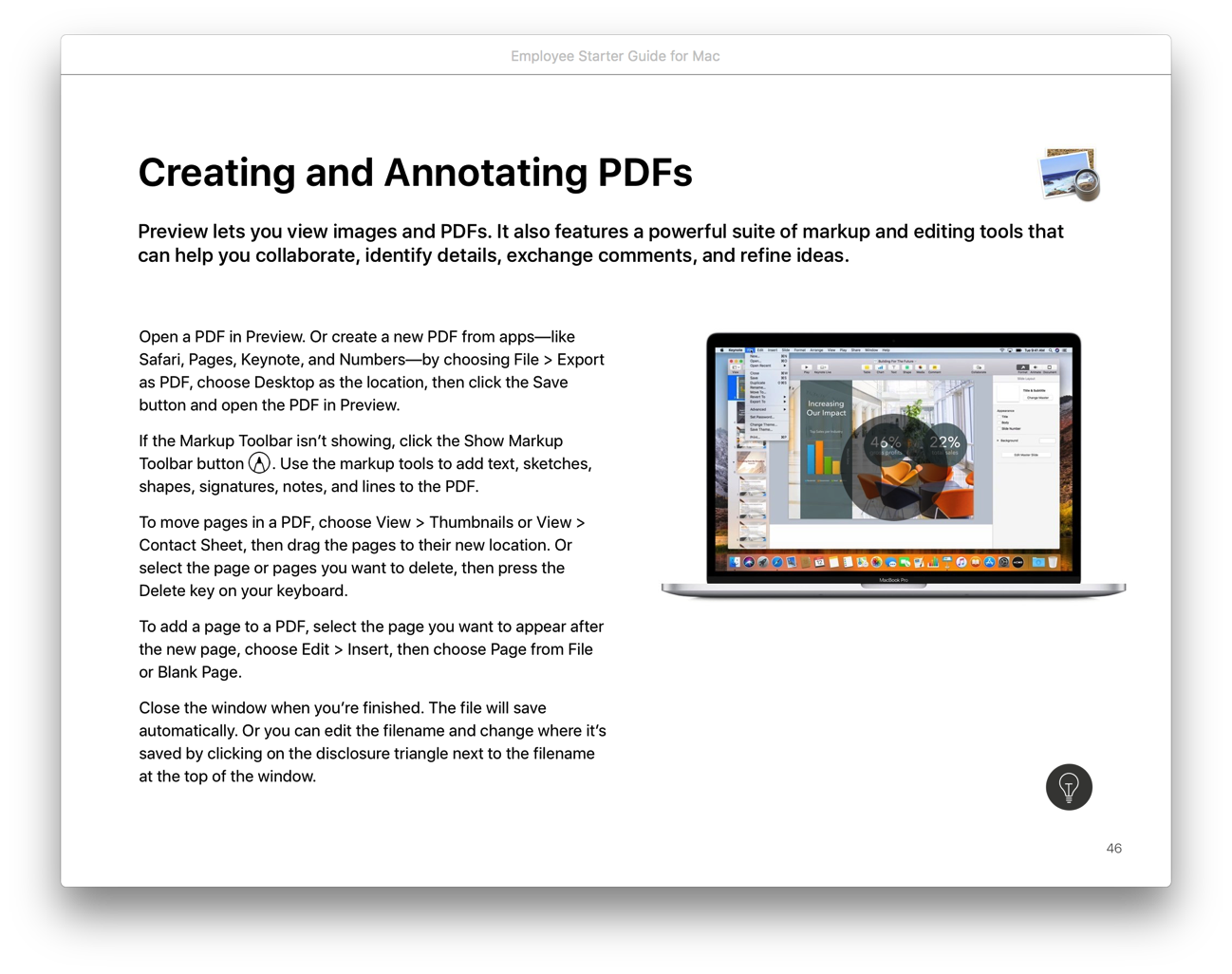
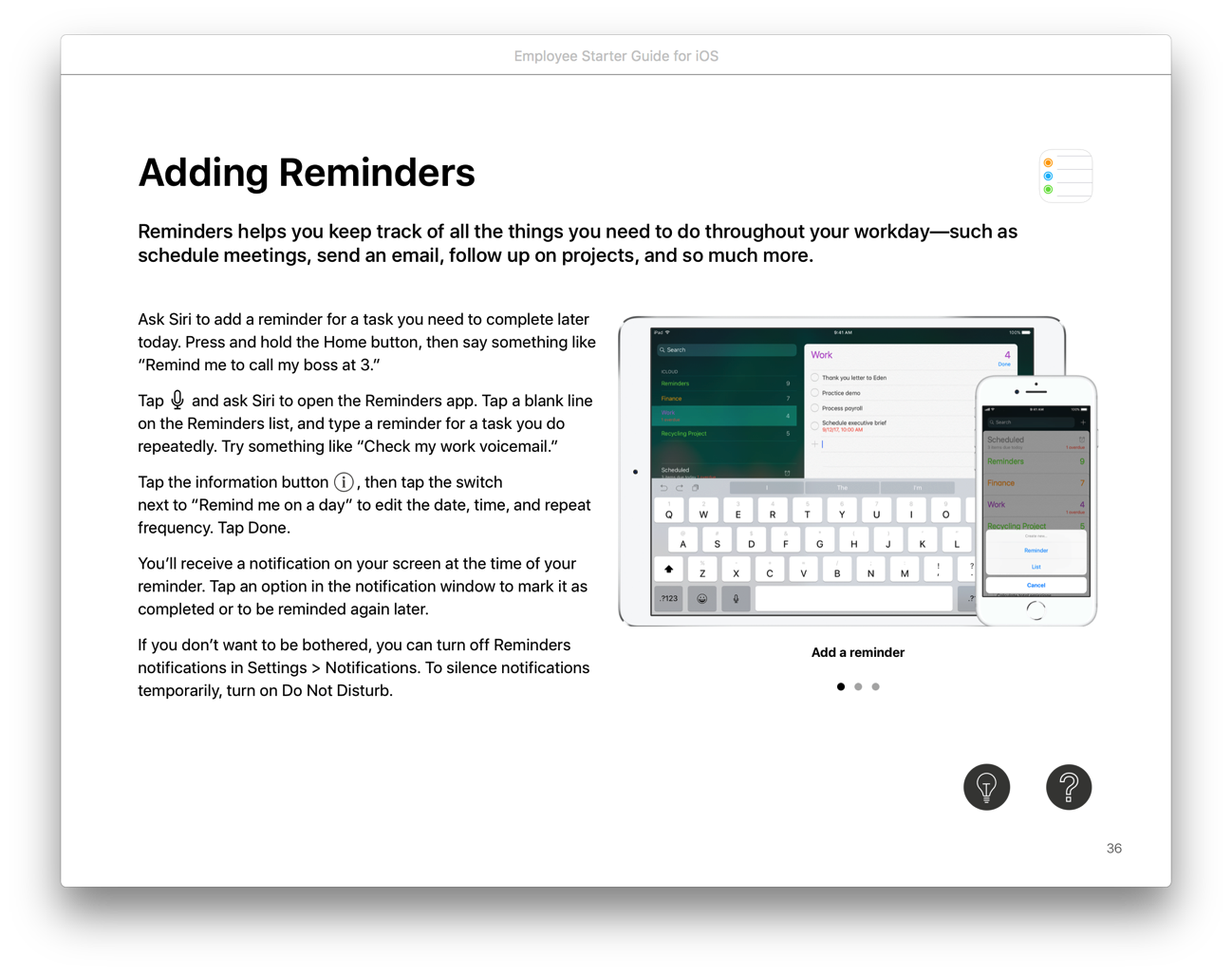
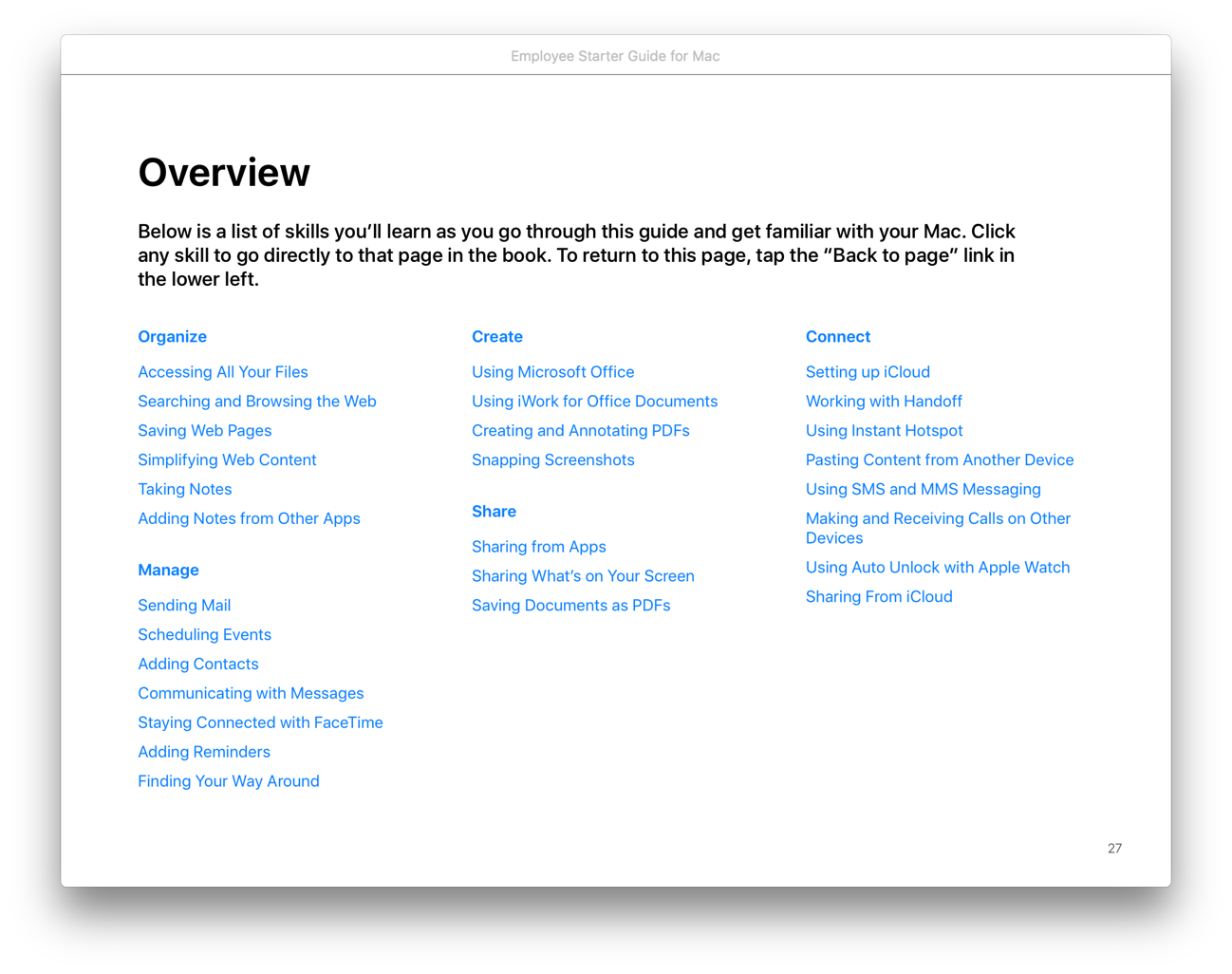
If you’re trying to get coworkers up to speed on Mac or iOS, Apple has recently released two books to help: Employee Starter Guide for Mac and Employee Starter Guide for iOS. I’ve just started going through them, but they seem to start at the ground level, and build from there.

Employee Starter Guide for Mac

Both books are broken into four sections: Learning the Basics, Next Steps in Working with Mac/iOS, Extending Productivity Further, and Support for Mac/iOS. Each section is broken into subsections that go into detail about using a Mac/iOS device for different aspects of work, such as for collaboration.

Employee Starter Guide for iOS

Employee Starter Guide for Mac sample subsections

The books include recommendations for third party apps where appropriate. For example, the iOS book recommends PDF Expert and three other apps in the “Annotating PDFs and Forms” section.

Tech geeks are accustomed to finding answers and help online, but these books might be helpful to “normal” users who are just getting started with Mac or iOS. If you are looking for reference materials for your employees, or even for yourself, check these out.

Hat tip to Dave Marra, who mentioned this on Twitter.