When I was a kid, I was an astronomy nut. I was in love with the planets, the stars, nebulae, constellations, you name it. I read everything I could get my hands on. I even did a science project presentation in grade five (I think) on black holes. Somehow or other, though, as I grew older and the whirlwind of life, family and general stuff caught me up, I lost a lot of what I knew and never found the time to pick it up again. What bothered me especially was that I couldn’t identify more than four or five constellations any more — and that’s the sort of fun star gazing that I really wanted to share with my little girl.
Belatedly, it hit me: I own a GPS-capable, compass-packing smartphone. Somebody must have created a stargazing app for the iPhone and/or iPad. There’s an app for everything, or some other such marketing phrase, right? Of course, it turned out that there were several apps of varying costs and degrees of complexity — and the one that struck the balance with me was simple, free app (with over 5 million downloads) called Planets.
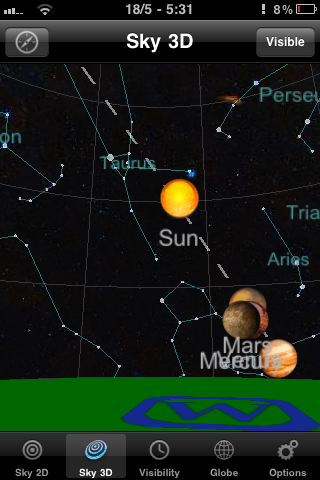
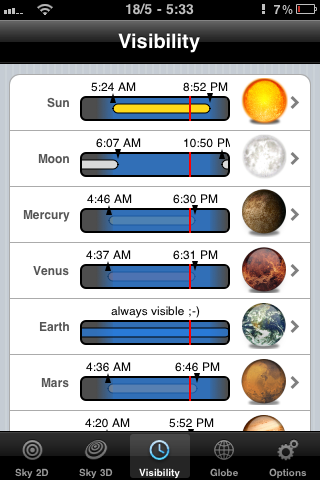
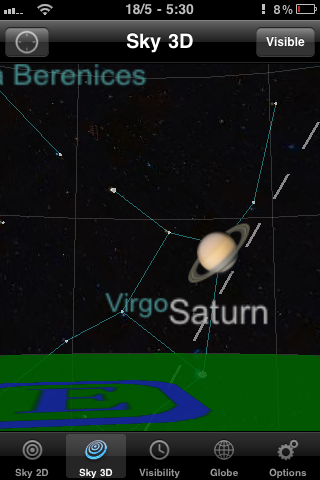
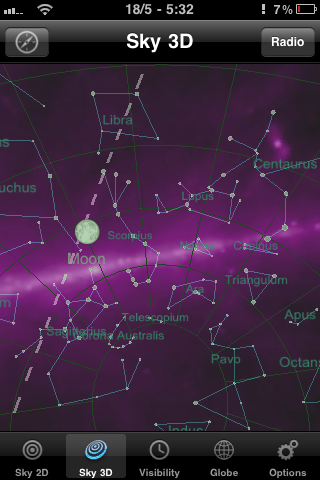
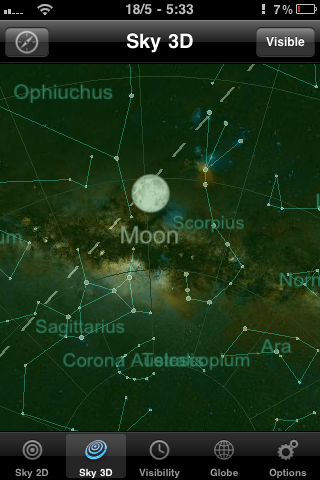
Planets doesn’t compare to the feature-sets of some of the paid apps like Starwalk for iPad, but it isn’t bogged down by complications either. It’s a straightforward 2D or 3D view of the heavens, augmented by some location-based gyroscope action. This is especially useful in the 3D view, as it allows you to get a look at the constellations and planets as you turn and point your iPhone or iPad. The 2D view provides a some useful information at a touch, such as rising and setting times of planets, the sun, and the like, but it’s the 3D virtual planetarium that gets me.
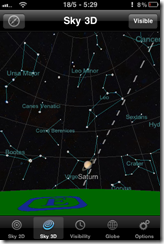
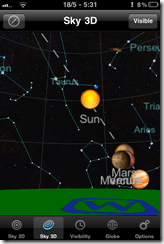
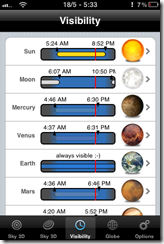
While Planets for iPhone and iPad could benefit from providing more information about specific stars and planets, and I wouldn’t mind a bit of interactivity and a photo of a nebula or two, I love the fact that me and my kid can quickly identify artwork in the sky and can even see where things should be if there wasn’t so much light pollution or the sometimes perpetual cloud cover we get on the Northwest coast – or if pesky things like daylight hours or the plane of the Earth get in the way. I also like that the Planets app actually tells you where the planets of our solar system happen to be hanging out, and at what times they might be visible to the naked eye. I found Saturn outside my door the other day. I’ve always loved Saturn. It’s pretty.
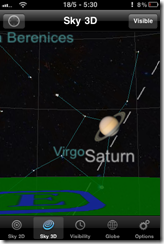
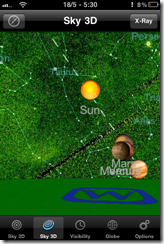
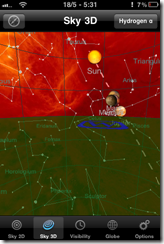
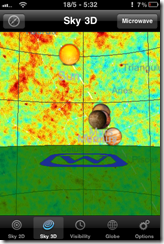
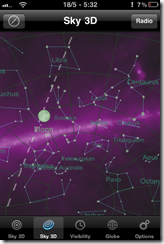
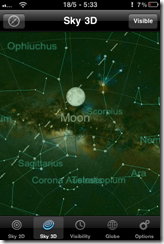
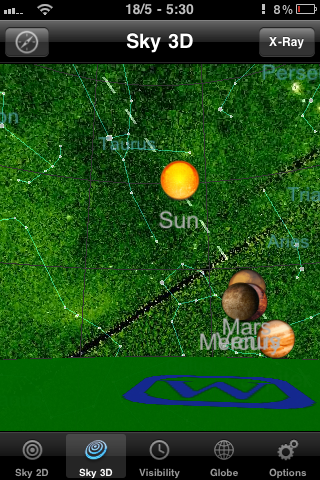
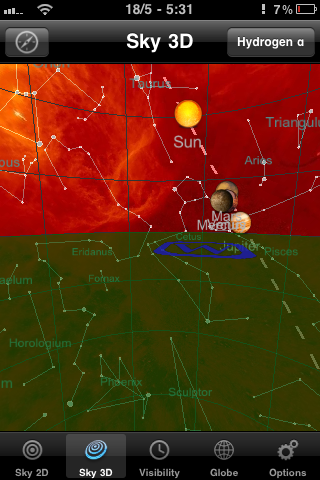
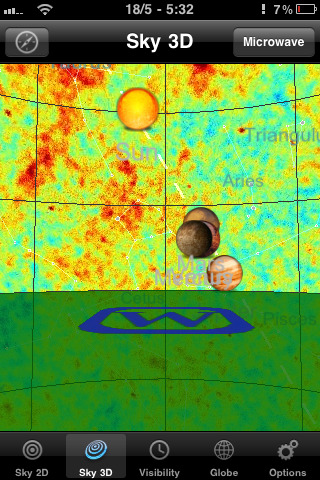
If the regular planetarium view doesn’t cut it for you, Planets also has several other views that make the sky look impressively colourful, including X-ray, Radio, Infrared, Microwave and Hydrogen-a. There are also some twirling shots of the planets in the globe section, but that part of the Planets app definitely needs more information and other bells and whistles to be interesting. Still, for a free app, it’s a great little stargazing assistant, and one that I get regular use out of.
You can pick up Planets for free at the iTunes App Store.
What’s your favourite stargazing app for your mobile device?


![Review of GTD in Springpad & Which GTD Solution Nina Chose [Reader Workflow] | 40Tech](https://www.40tech.com/wp-content/uploads/2011/05/image12.png "Review of GTD in Springpad & Which GTD Solution Nena Chose [Reader Workflow] | 40Tech")


You Could Fly to Space (for 200 Grand), Then Float Home Like a Feather [video]
Well, it’s Friday, and a long weekend to boot — we even got some sunshine and warm weather up here in the Pacific Northwest, and that’s no small thing. We were starting to think that Spring had decided to stay home this year. I could go on about that, but there’s a point to my mini-ramble: Today is a day to post yet another Fluffy Cool Video!
This is not the time to think about heavy things, like the ridiculous amount of money that is being poured into Virgin Galactic’s Space Tourism program — or the ridiculous amount of money that it will cost (again, 200 grand) for people to take that pleasure trip to the edge of beyond. We all know there are better uses for that kind of money. If we had that kind of money, though… there’s a good chance we would take that flight anyway. Seriously.
Even if you wouldn’t, I think you’ll agree that watching Virgin’s fancy new flying advertisement in action is pretty frickin’ cool. Especially as it leaves the atmosphere — and then transforms into a soft, floaty feather-plane to survive re-entry.
Neat! – And the giant two-planes-attached-at-the-wing MotherShip ain’t too shabby either.
What do you think of Richard Branson’s new spaceship?