Menu Close

Category: Security (page 6 of 12)

Two Free Tools to Scan Your Website for Vulnerabilities

40Tech clean

Yesterday we compared Squarespace and WordPress, and I indicated that as slick as Squarespace was, 40Tech was going to remain on a self-hosted WordPress installation. Bloggers using a self-hosted instance of WordPress, though, need to make sure that their blogs are secure. That includes making sure that your blog isn’t already compromised. How do you do that? The easiest way to do that is to use external tools to scan your site. There are two that we use here at 40Tech, and recommend.

Read more


3 Ways to Safely Share Your Email Address (and Beat Spam Scrapers)

3 Ways to Safely Share Your Email Address (and Beat Spam Scrapers) | 40Tech

Posting your email on a website, or in a blog, social media, or forum comment, opens you up to a world of messages about making money online, viagra, the enlargement of specific body parts, and a host of other fun solicitations and potential virus links. We all know this, and we all know that the safest way to post an email link is this: don’t. If you absolutely have to, you can always try to beat the bots by posting it as an image (time consuming), or by killing the link and adding some brackets and such like this: myemail (at) adomain (dot) com. The trouble with this approach is that you are also making trying to contact you annoying for the people you want to connect with.

Here are three ways you can share your email safely and easily:

scr.im

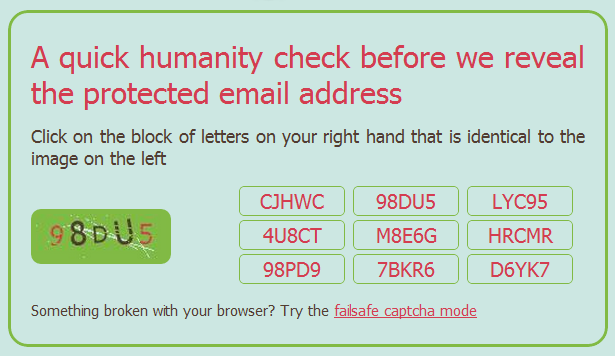
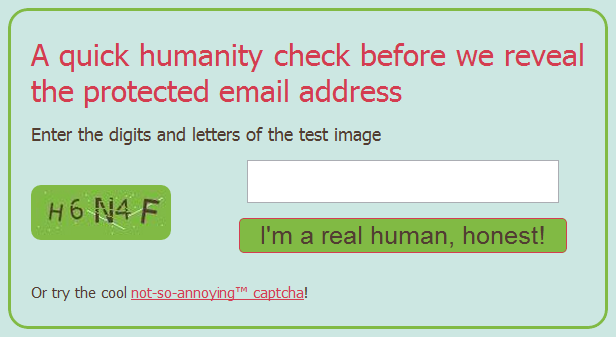
Scr.im is a convenient and brand-efficient way to post a link to an email address. It provides you with a simple vanity url that is easy to share and doesn’t require any specific code in the link. When the link is clicked, the person — or spam-bot — is directed to a captcha page that shows an image of an alpha-numeric code and a game of match the code with one of the nine buttons on the right. If there is, for some reason, a problem with this method, you can simply click the link at the bottom to go to the tried and true “failsafe” captcha method of typing in the code from the image and clicking the “I’m a real human, honest!” button.

To get set up with scr.im, head to their site, enter your email address, click “Protect my email” and go, share, be merry. They will generate a url for you, but if you want some extra awesome, then type in your own vanity url tail in the provided field. Scr.im will automatically let you know if the url is available or not.
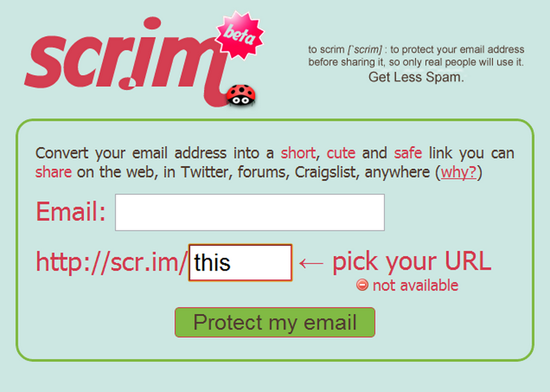
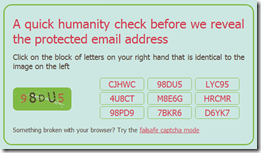
Safely Share Your Email Address, Avoid Email Spam with scrim | 40Tech

Scrim Email Spam Protection | 40TechShare Your Email Address Safely with Scrim | 40Tech


reCAPTCHA Mailhide

You are probably familiar with reCAPTCHA, especially if you own a blog. They have put together one of the easiest and most powerful (and best looking) captcha protections out there. They are also owned by Google, now, which I only recently became aware of. Whether that makes you feel more or less comfortable will be determined by how many Google services you already use , and how evil you feel Google is, but the reCAPTCHA Mailhide solution is a great way to safely post an email link to a website.

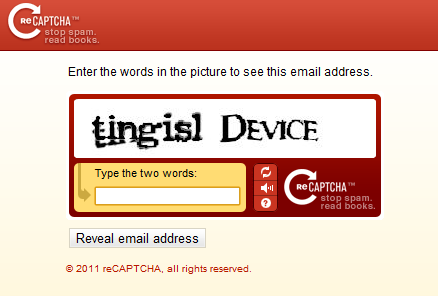
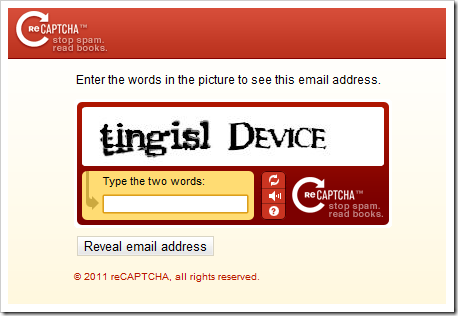
If you want to try it out, head to the reCAPTCHA Email Protection page and enter your email address in the given field and click “Protect It!” You will be taken to a page that provides the URL of the reCAPTCHA that will need to be solved before anyone can send you an email — which you can then share anyway you like. You can even take the (crazy, long) URL and plug it into your shortener of choice to create an nice and easy to share link. Once the captcha — which can only be solved by humans — is correctly entered, people will be presented with a page that contains an untrackable link to your actual email address.
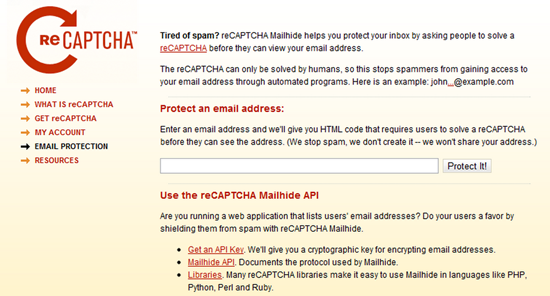
reCAPTCHA Mailhide Email Spam Protection | 40Tech

reCAPTCHA Email Spam Protection | 40Tech

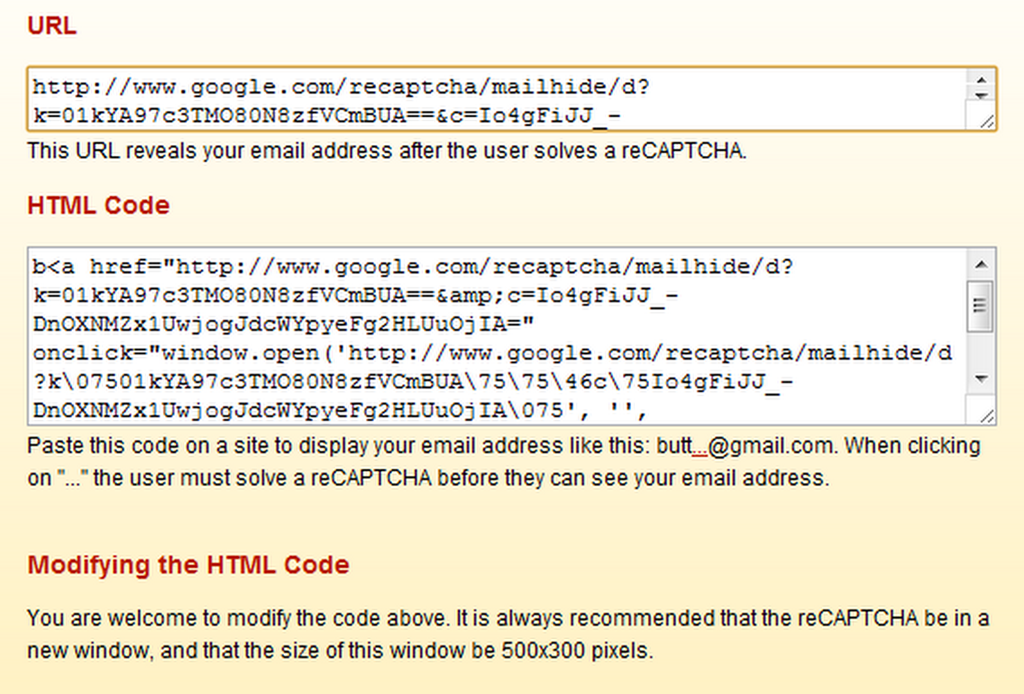
Web security is important to the people clicking your fancy email link, as well, so if you want to assure them that they are heading toward an email address, you may want to use the customizable HTML code that is also provided by Mailhide. This code will display your email with the first four letters of your address, followed by a clickable “…” and @yourdomain.com. This code can be customized to your liking — which was especially handy in my case, as I used an address with “butter” in the beginning. Posting an email link to butt@gmail.com is not likely to gain me more than a few laughs. (Note: the clickable … previous is for aesthetics only. It is not an active link to my email address)
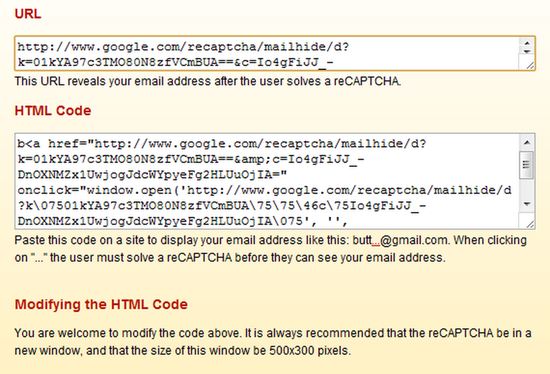
Share Email Address Safely using reCAPTCHA | 40Tech

If you want to know the technical protocols used by Mailhide, check out this API link.


Google+ Profile Link

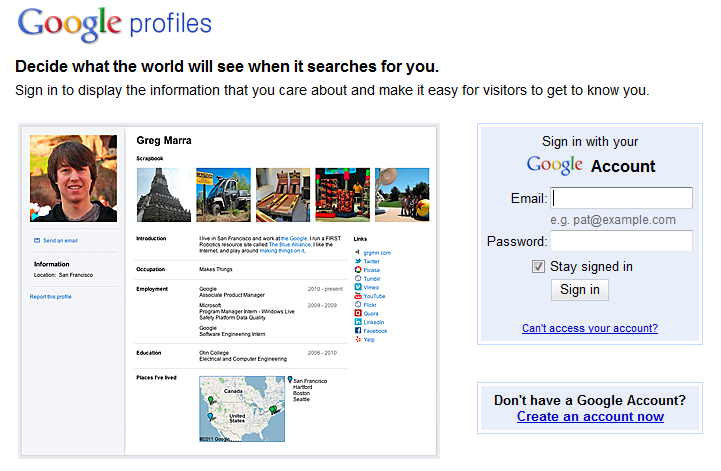
If you aren’t using Google+ yet, you should be. Yeah, I’ve drunk the Kool-Aid — and it’s sweet, refreshing, beautiful, and I hope it lasts. Aside from the Picasa integration, circles and other neat network and privacy controls, and the fact that social games are finally done right, Google+ also makes one hell of a way to share your email without getting attacked by spam.

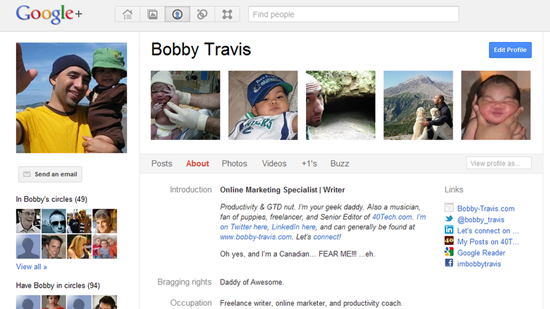
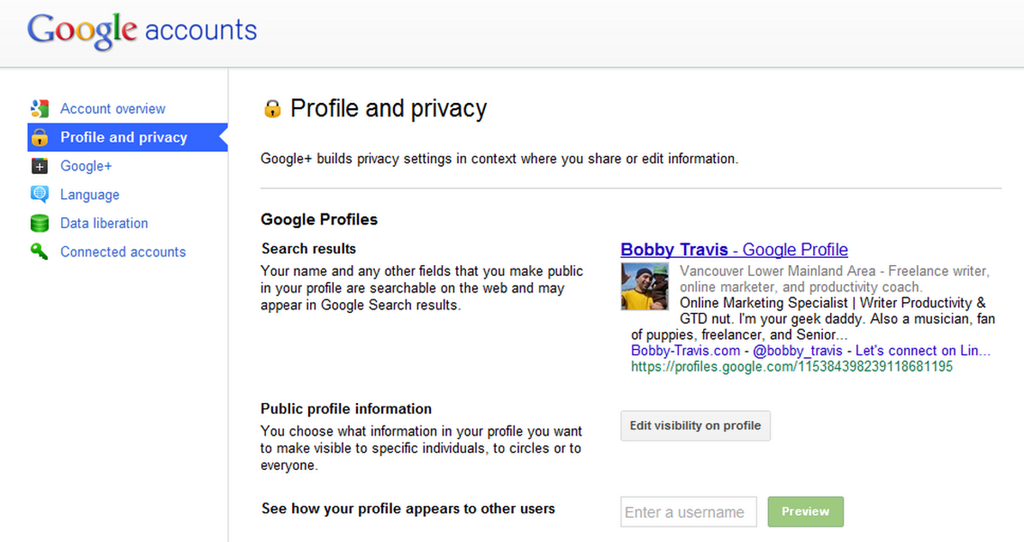
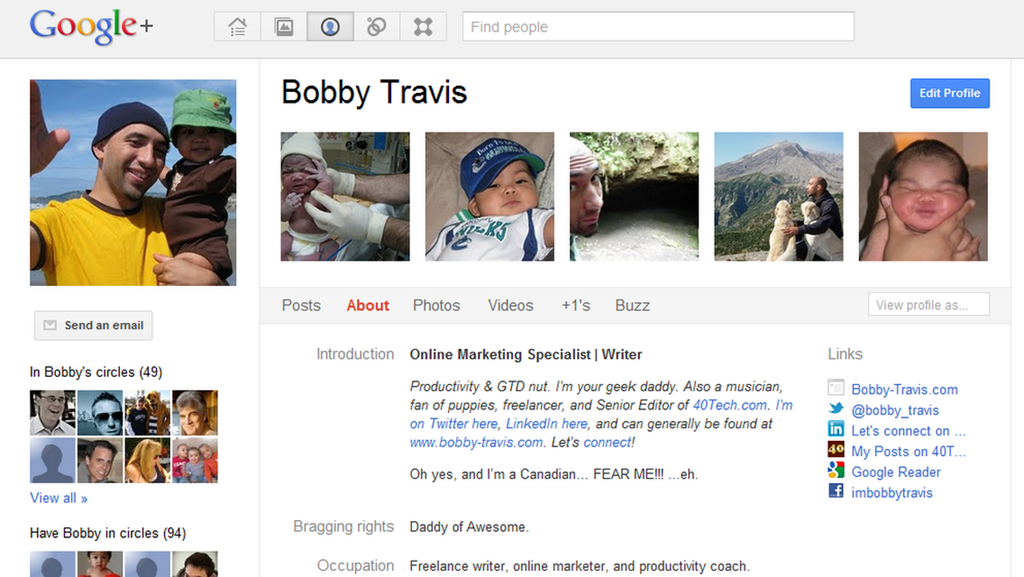
The first step is to make sure your Google+ Profile (okay, okay, if you really can’t stomach using Google+ yet, you can always just use a regular old Google Profile) has a visible “Send an email” button just below your picture. To do this, you go to the settings gear in the top right, then click on “Profile and privacy,” and then the “Edit visibility on profile” button beside “Public profile information.”
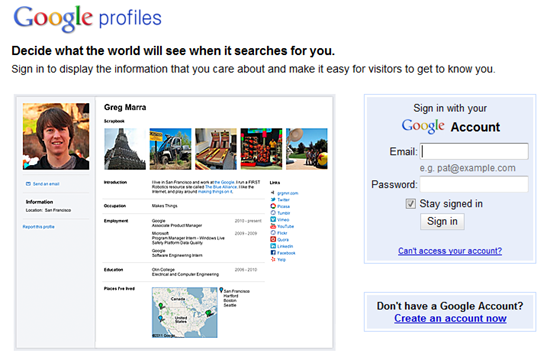
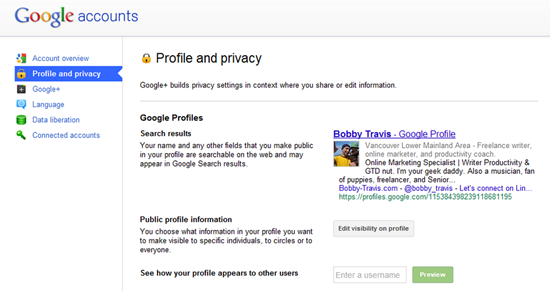
Safely Share Your Email Address by Sharing Your Google Profile, Google+ Profile | 40Tech

Google+ Profile Settings | 40Tech

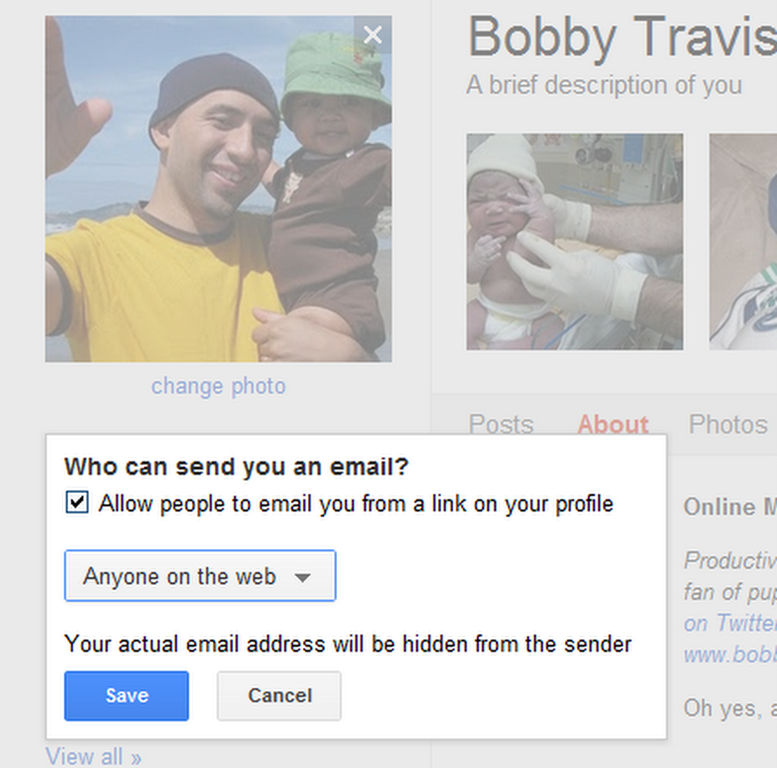
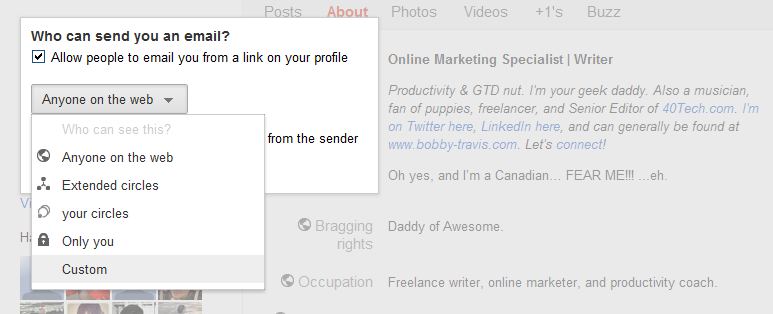
Step two is click on the “Send and email” area below your profile picture, click the check-box that is next to “Allow people to email you from a link on your profile,” and then click on the dropdown that sets your visibility preferences. For the broadest case, you will want to choose “Anyone on the web” as it will allow you to safely share a link to your email with anyone. Save, and then click the “Finished editing” button at the top of the page. People can now send you email right from your Google/Google+ Profile page.
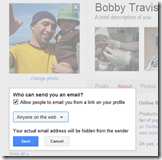
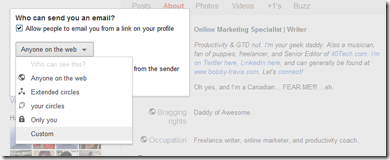
Google+ Setting Who Can See the Send Email Button | 40TechGoogle+ Send Email Privacy, Sharing Settings | 40Tech

Bobby Travis Google+ Profile | 40Tech

The final thing to do is to share your Profile link with others. There are a number of ways to do this, including the secure (long) Google Profile URL, using a general URL shortener or a vanity URL, or even by using your profiles.google.com/username — though that may defeat the purpose a bit if you don’t want people to know your email address (seeing as the username + @gmail.com = is your email address).


Bonus – Bugmenot

If you are after a way to sign up for services without getting spammed, none of the above methods will work for you — so check out Bugmenot, instead. Bugmenot is the perfect way to check out for a multitude of “sign up first” services using dummy emails and passwords set up by other people. It’s a great way to avoid spam and solicitations, and it saves time. You could also just use your own dummy email address.


There you have it! Three easy ways to share a link to your email address without painting yourself as a target for spam bots. If you know of any others or have had experiences with any of these methods, please share them in the comments!


Browse Securely and Privately, For Free, With Cocoon [Firefox Add-On]

cocoon

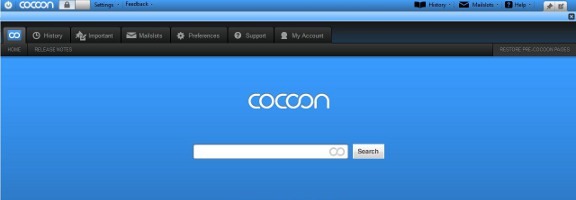
We’ve previously talked about ways to protect your email, or your web surfing, from hackers. One of the surest ways to protect yourself when on a public WiFi hotspot is by accessing the Internet through an SSL-encryted tunnel. Most services that offer that, though, cost money. Enter Cocoon, a free Firefox add-on that sends all of your browser traffic through an SSL encrypted tunnel.

Read more


How Destroying a Botnet Reduced Worldwide Spam By 90% (Have You Seen a Difference?)

killing spam.jpg

Have you noticed a decrease in spam in your email inbox recently? I haven’t, but that may be due to Gmail’s excellent spam filters. According to Symantec, though, worldwide spam has decreased 90% in the last year. How? Two of the world’s largest botnets were knocked offline, accounting for much of the reduction. Those botnets controlled millions of infected computers, sending out billions of spam email messages a day. With the botnets out of the picture, spam has fallen dramatically. Here’s how the botnets were taken offline.

Read more


Dropbox Updates Terms (again) to Calm Intellectual Property Fears

Dropbox Updates Terms (again) to Calm Intellectual Property Fears | 40Tech

Dropbox has been upsetting some of its users, recently, with changes to its terms of service that caused concern and outrage regarding privacy of files uploaded to the service. Sure, outrage is easy to come by on the internet, especially with changes to heavily used cloud services, but there were some valid arguments to be made — and people didn’t hesitate to make them. First, there was that whole thing about decrytpting users’ encrypted files and handing them over to authorities when asked. Questions of users’ legal and moral behaviours notwithstanding, the simple fact that Dropbox claimed the right to decrypt what was encrypted was enough to shake up many people.

Most recently, however, Dropbox did something that should have been considered a good thing: they updated their terms to plain language that made them easier to understand. Unfortunately that blew up in their face, as some of the wording gave Dropbox the right to use your files pretty much however they want, intellectual property notwithstanding. The latest update to the Dropbox terms of service is aimed at quelling those fears.

Last week’s Dropbox update in terms stated the following:

you grant us (and those we work with to provide the Services) worldwide, non-exclusive, royalty-free, sublicenseable rights to use, copy, distribute, prepare derivative works (such as translations or format conversions) of, perform, or publicly display that stuff to the extent reasonably necessary for the Service.

This was followed by:

This license is solely to enable us to technically administer, display, and operate the Services.

That last sentence was meant to apply the new Dropbox usage rights to your files to the smooth running of the service, but the phrasing was too vague to make users feel secure that Dropbox wouldn’t and couldn’t abuse their intellectual property rights. For those that think it should be obvious, bear in mind that loopholes have a tendency to turn the legal system on its ear, and that there have been other services — mostly for photos — making news recently because they were specifically saying that they did own your content if you used their service.

In any case, in yesterday’s update, Dropbox has posted a revision to that contested clause that was accompanied by a blog post stating that they have “always believed your stuff is yours and yours alone,” and that they intend to quell users’ fears that Dropbox will own rights to their content. Here’s the new phrasing:

…By using our Services you provide us with information, files, and folders that you submit to Dropbox (together, “your stuff”). You retain full ownership to your stuff. We don’t claim any ownership to any of it. These Terms do not grant us any rights to your stuff or intellectual property except for the limited rights that are needed to run the Services, as explained below.

We may need your permission to do things you ask us to do with your stuff, for example, hosting your files, or sharing them at your direction. This includes product features visible to you, for example, image thumbnails or document previews. It also includes design choices we make to technically administer our Services, for example, how we redundantly backup data to keep it safe. You give us the permissions we need to do those things solely to provide the Services. This permission also extends to trusted third parties we work with to provide the Services, for example Amazon, which provides our storage space (again, only to provide the Services).

To be clear, aside from the rare exceptions we identify in our Privacy Policy, no matter how the Services change, we won’t share your content with others, including law enforcement, for any purpose unless you direct us to. How we collect and use your information generally is also explained in our Privacy Policy

This is definitely an improvement, as it clears up the intellectual property concerns. Of course, the original outrage over how Dropbox can monitor, decrypt, and share your files is still out there, but judging by the terms of service of Amazon’s Cloud Drive and others, including Facebook, Google, Apple, Skype, and Twitter, this sort of thing is fast becoming the norm for cloud services, especially those that offer storage – in the end, we users may have no choice but to assume the position, take it, and like it if we want to use these types of services.

What do you think?