
 [Mac] I’ve been using DEVONthink Pro Office for a few years now, but only as a filing cabinet for documents that I don’t want to trust to the cloud. The latest episode of the Mac Power Users podcast took a detailed look at DEVONthink, and got me thinking about whether I was using the app to its fullest potential. Specifically, I wondered if I would benefit from using DEVONthink in my legal practice.
Category: Apple (page 13 of 38)
[Mac] Someone please tell me why I didn’t discovery this, oh, maybe six years ago? If you have a blog and write about software, you’re constantly looking looking for high quality icons to use. The method quoted at the bottom of this post from Macworld makes it easy.
Even easier, I’ve found, is a tip I stumbled upon a while back on another site. I’ve been unable to relocate the source, so regretfully can’t credit it, but I remember the tip: find an application in your Finder, and drag it onto the Preview icon in your Mac’s dock. Preview will then open, showing you all of the artwork used in that application, including the icon. You can then export a high quality version of it to use in your blog post.
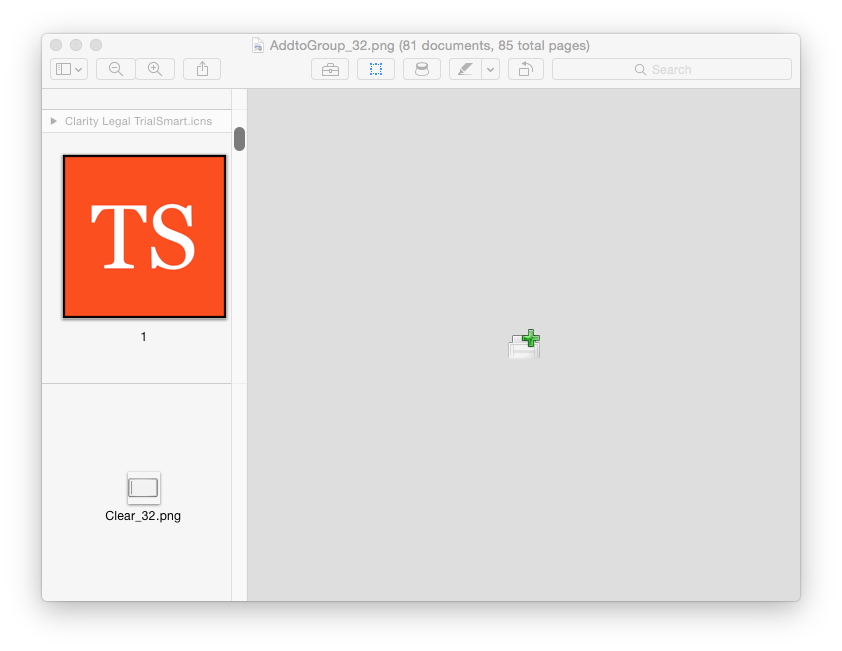
In the Finder, select the program in question, and press Command-C (or if you love menus, select Edit -> Copy). You’ve now got a full copy of the application on your clipboard. . . Now launch Preview, and press Command-N (File -> New from Clipboard for you menu users). You may be surprised at the result: a full copy of the chosen application’s icons, in every available size.

For the past few years, I’ve been using three note taking apps side by side. Two of the three apps have stayed the same over the years, while the third has changed a couple of times. Why three apps? It’s partially a function of the strengths and weaknesses of the apps I use, but it’s largely a function of my brain liking to keep different types of data segregated into different apps. In my system, each app serves a different purpose:
With about every other OS X release, I perform a clean install on my main Mac. There’s a good overview on how to perform a clean install at OS X Daily. I’ve gradually worked up a checklist in Evernote for what I need to remember to do both before and after the install is complete. Here is my checklist.

Mention the convergence of iOS and OS X, and many Mac users contort with rage. The thought of OS X moving toward iOS is viewed by many as “dumbing down” the desktop system. There are ways in which OS X can become more efficient by borrowing from iOS, however. One way is through text manipulation, via an app called PopClip. On iOS, if you select text, a little box pops up above the text, with options that are dependent on the context in which the box was invoked. Choices could include Cut, Copy, Paste, text formatting (bold, italics, etc.), or more.