LastPass, our favorite password manager, has just introduced support for two-factor authentication through Google Authenticator. Two-factor authentication is a form of security that requires a user to present a second form of confirmation before being able to log in to an account. We previously wrote about how, for Google accounts, that second form of authentication can come via a one-time code generated by the Authenticator app for iOS, Android, and Blackberry. That same app can now be used with LastPass.
Every once in a while, there is a shining light in the multitude of promotions and solicitations we receive at 40Tech — something that we feel is definitely worthy of being passed on to our readers. This is one of those times — at least we hope so. We want you to tell us.
So here’s what we’re going to do: We’re going to give you a link to some free stuff(that only works until Nov. 6th, so get on it now), and offer up some license codes to more free stuff. You can try them out — and keep them — and then let us know what you think. We’ll combine your feedback into a “multi-author” blog post, and let you tell the world if the WinX HD Video Converter Deluxe and WinX Blu-ray Decrypter software is worth their time.
WinX HD Video Converter Deluxe, according to the promo email, is:
…your must-have for enjoying an unforgettable Halloween and the upcoming holiday season. If you have family videos shot by camcorders or interesting movies downloaded from the Internet, you can then, with the help of this software, burn those videos to DVDs or put them on your iPhone/4S, iPad, iPod, PSP, PS3, Xbox, Android, Blackberry for playback on the go!”
You can get this for free (normally $50), without any sort of weirdness or hoops to jump through, by heading to the WinX DVD Giveaway Page. Again, the giveaway ends on November 6th, 2011, so don’t wait on it. Do it now. The activation code is right there on the page. Just don’t forget to activate it before November 10th, 2011.
For the WinX Blu-ray Decrypter, we only have 10 license codes, so we have to default to the old “be the first 10 to comment and ask for it”model. First come, first served, no exceptions. If you like the idea of backing up your Blu-ray discs, then jump in and let us know. Oh, and the software needs to be activated before November 15th, 2011, for the code to be accepted.
Once you’ve tried the software out, please do send us an email or add a comment to this post, and tell us about your experience. You can also hit us up on Twitter or Facebook, or chat up Bobby and Evan on Google+.
40Tech is pleased to present a guest post by Simon.
Although Apple’s new iPhone did not electrify either the media or the stock market quite so much as Apple might have hoped, it has certainly proved popular with their most vital audience: the consumers, who have made it the most successful iPhone launch ever, with 4 million sales already. It’s achieved worldwide success, including unprecedented penetration in the Chinese market.
Many people probably picked up the 4S for the Siri Personal Assistant, or the much-improved 8Mp camera, or just because it’s fun to have the very latest high-end phone. Hopefully they will sooner or later appreciate the true power of this new handset, which goes far beyond what we’ve come to expect in smartphones, particularly in several areas crucial to gaming: notably processor power, graphics chip, and the possibilities unlocked by the iCloud and AirPlay services.
Processor
The A5 processor in the Apple 4S is the same one used in the iPad 2. Yes, that means the latest iPhone is more powerful than the original iPad – a frankly staggering achievement, allowing game developers to create some seriously resource-intense games for the 4S.
Graphics
The graphics chip is also state-of-the-art, allowing for shading, lighting, and movement graphics that are at least as good as most gaming consoles. Infinity Blade II, the sequel to earlier the hit iPhone game, will probably be the first big release to really show off the new graphical capabilities. It won’t be the last, though – expect movie-quality graphics in a number of new 4S games next year.
Gaming in the iCloud
The iCloud has some great possibilities for gaming. Cloud computing in general has a variety of potential security issues, not yet fully explored or studied, but even if you’re wary of storing your work documents in the cloud, you can certainly save your computer games there. Cloud gaming allows you to start a game on your iPad, and continue it on your iPhone if you don’t have the iPad with you, without any hassle.
Not just a player; an AirPlayer
AirPlay lets you use your iPhone as a controller, moving the visible action from your phone’s 4.3 inch screen to your (suitably compatible) TV screen, and the audio to your surround sound system. Combine this with the iCloud possibilities, whereby you can seamlessly move the action from one device to another since your saved games are stored in the cloud, and some intriguing options open up for game developers. Fancy developing a game character in solo play on the iPhone and then bringing it along to a group gaming session via AirPlay? With the right game – not yet developed – it should be a possibility. Group games via AirPlay, using your iPhone as a controller and your TV screen to show off the action, are already available.
Cheap as chips (potato, not digital)
The very cheap price of most iOS games is a huge boon, too – look out for Diddly next year (free download) for a fiendishly competitive trivia game you can play on your AirPlay compatible TV. Hundreds of one-man indie developers and small teams are working on new titles, often inspired by classic 80s and 90s games, with prices from nothing to just £1-2.
Simon writes on behalf of Best Mobile Contracts, the UK’s leading mobile phone comparison website.
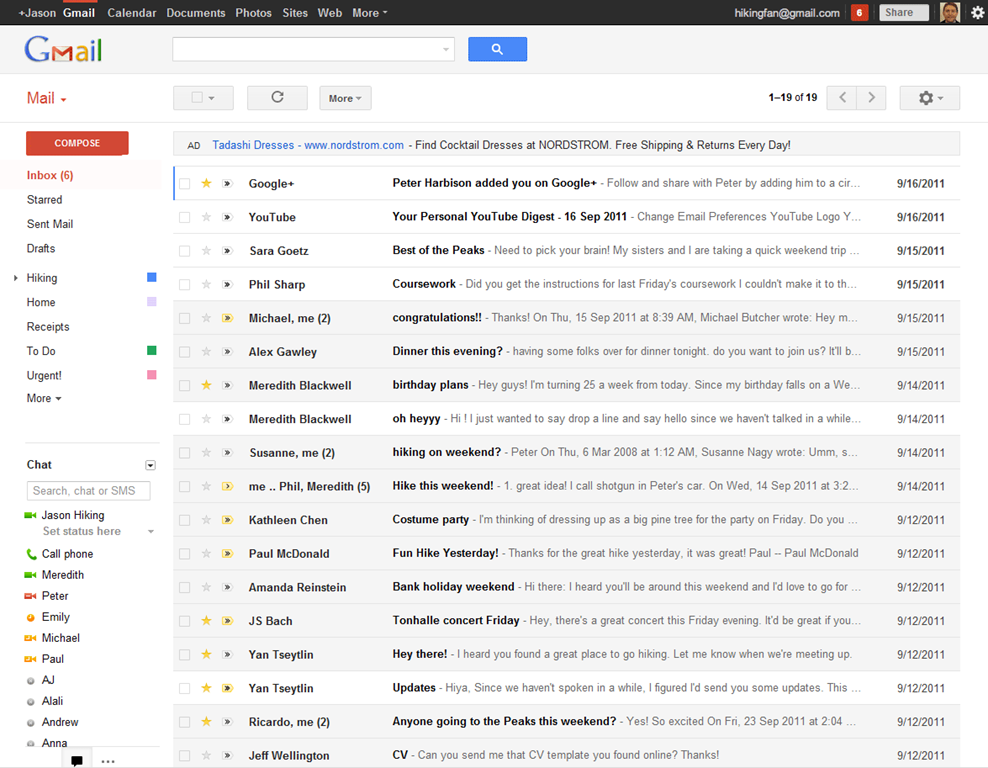
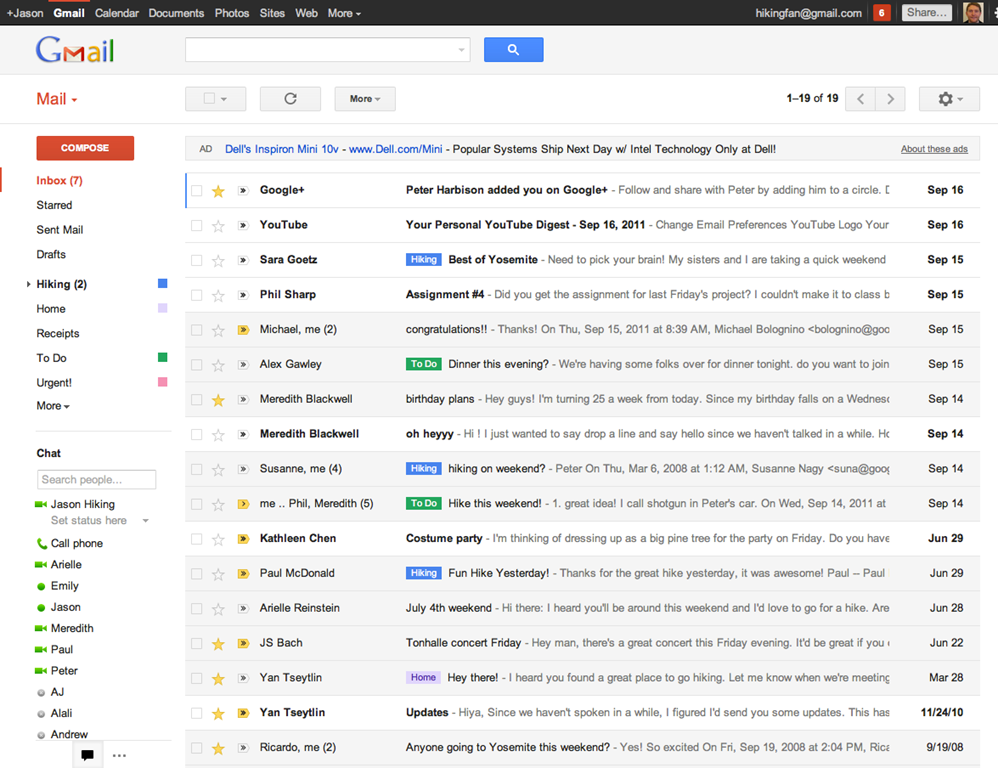
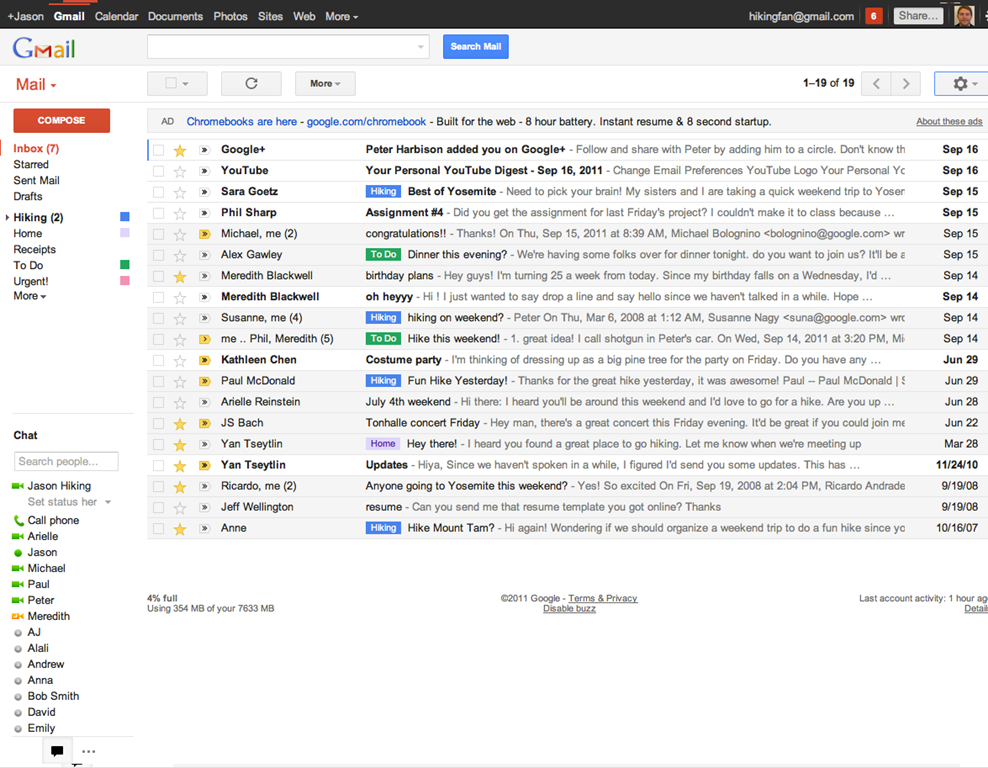
In keeping with their Big Push, Google released a new version of Gmail with a major facelift, as well as released — and then pulled — their long-awaited native Gmail app for iOS.
The new Gmail look, as is to be expected, has a few minor annoyances to accompany some great new features, and the app is actually very cool, but was pulled due to a notification system problem.
Check out the feature-list for both below.
New Gmail Web App
The new web app has a look and feel that fits in with Google’s updated branding. It’s “cleaner, more modern” and is very similar to the preview theme that the Gmail team released a while back. I’ve been using that theme for a few months and I love it, but I’m not terribly fond of the dynamic “Display Density” feature.
Display Density allows you to control the default amount of whitespace for each email message in your inbox (Comfortable, Cozy, or Compact), but whill actually change dynamically depending on the size of your browser window. This may seem like a good idea, but if you use Minimal Wall’s guidelines for window sizes, it displays as Compact, no matter what, which clashes with your zen by slapping you about with tiny little squished up emails. Google should add a feature that allows you to force the display of your favourite Density, no matter the size of your window.
What is awesome about the new Gmail is the sweet new toolbar, the much-improved search dialogue — I always hated the in-field search commands — new themes, and the improved look of threaded conversations. I also like the additional control settings, the ability to drag the size of the chat window, and the awesome little buttons in the sidebar that can make the chat, gadgets, and other annoying sidebar items vanish until you want them.
Give the new Gmail a try, and let us know what you think. If you don’t love it, you can always revert back — at least for now. Check out the video for details on the upgrade:
Native Gmail App for iOS
Once Google gets a handle on the notifications errors (apparently just a silly little mistake on their part, so it shouldn’t be long), the new iOS app will probably kill the iOS mail app for me. I only use the thing because I hate waiting for Safari to load, and the new app looks like it will finally allow me to do what I’ve always wanted to from my iPhone and iPad: reply to emails with the email address that they were sent to.
This is a huge deal for me, because I use a multitude of different email addresses for different things, and they all come through Gmail. I don’t necessarily want to answer my 40Tech email or my work email with my main email address, which I’ve had forever, but might not always come off with the… professionalism… I need.
Unfortunately, you still can’t compose new email in the app and choose what email you want to send from. Baby steps, though, I suppose — and it’s still better than the iOS emai app.
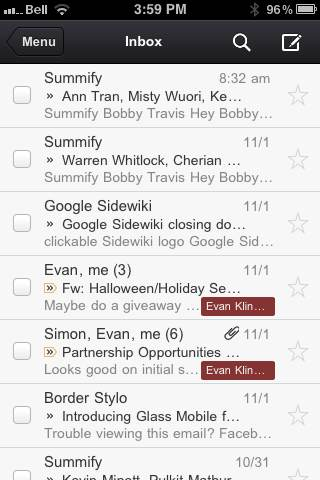
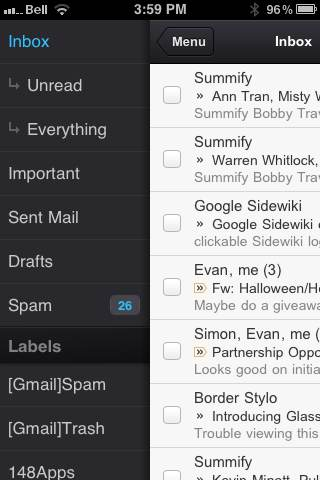
The new Gmail for iOS app is nearly a full-featured Gmail experience. There is universal search, auto-complete from both Gmail contacts and iPhone addressbook, attachment upload (which is basically photos, of course), threaded conversations, priority inbox, easy archiving, labelling, starring, deleting, and spam reporting.
On iPhone/iPod Touch, the Gmail app gets out of its own way, focusing on the content, with a nice expandable sidebar to sort through your labels. On the iPad, you get the standard two-paned view, which makes for easy viewing and navigating on the larger screen.
The only other things to note are that, at the moment, the app doesn’t have offline support, and doesn’t do multiple Gmail accounts, and that swipe gestures — while good for the most part — sometimes feel a bit awkward.
What are your thoughts on the new look for Gmail? And when you get a chance to check it out, tell us what you think of the iOS app, as well!
We’ve already talked about how you can encrypt files in Evernote. Two of the three methods in that post involved using other programs (one of which is also available on OS X). If you’re on a Mac, though, and want to encrypt PDF files and load them into Evernote, you don’t need any third-party programs at all. OS X can handle encrypting a PDF and getting it into Evernote, all on its own. There’s one slight catch, though.