
I’ve owned an iPad since shortly after the device debuted, and I swore that I’d never use a keyboard case. I had a MacBook Air to use when I wanted a portable device with a full keyboard. I also didn’t like the idea of turning my iPad into a Frankenstein device, with accessories bolted onto it. My thinking on this has recently turned 180 degrees, though – I’m now sporting a new Belkin QODE Ultimate Keyboard Case on my iPad. Read more
Category: iPad (page 3 of 12)

I just finished a several hour mediation (I’m a lawyer by day), during which I used Keynote as a presentation tool. The mediation happened in another lawyer’s office, so I had to take any technology with me that I planned to use. This was my first time to take presentation technology into a completely new environment, and I was very pleased with how things went.
I thought this was a joke when I read it on OS X Daily, but I tried it, and it works on both the iPhone and iPad. Hit the link for the full explanation.
∞ How to Undo & Redo Typing on iPhone with a Shake | OS X Daily
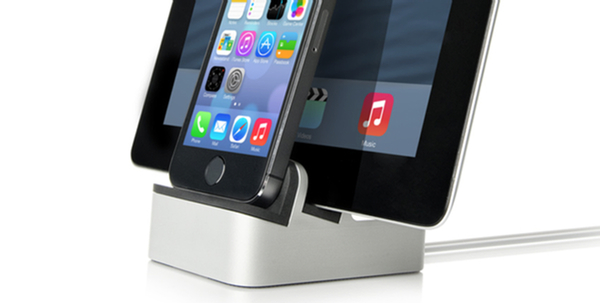
I recently decided to ditch my nightstand clock, and use an alarm clock app on my iPhone for that purpose (I’m still trying out a few different apps). My setup wasn’t very elegant, with my iPhone propped up against a box so that I could see the time. I also was constantly fighting a tangle of cords, between my iPhone, iPad, and MacBook, and a USB cord for a few different devices. Knowing that setup wouldn’t meet the WAF (Wife Acceptability Factor) for long, I researched some dock solutions, and found one ended up working well, and that my wife has even been eying with some envy.

Chalk this one up as something that I didn’t know. You can icons to your folder names on your iPhone or iPad. It involves enabling the Emoji keyboard on your device. For a full write up, check out the blog of Christopher Horrel. I’ve find this quite handy in making my folders distinguishable at a glance.