Menu Close

Category: Applications (page 16 of 29)

Move Programs, Settings and All, To a New PC With PickMeApp [Windows]

pickmeapp full

Ahh, a new computer. Kind of makes you tingle with excitement, right? Perhaps, but you’re probably also thinking about all the work that you have ahead of you when installing all of your apps. We’ve previously talked about ways to download several apps in one bundled download, to help speed along the process, and we’ve covered some tips for upgrading to Windows 7 in a couple of posts. If you want to get even more streamlined, you can move programs, settings and all, from your old PC to your new PC using PickMeApp. Read more


App of the Week: Photo Stack [iOS]

photo stack main

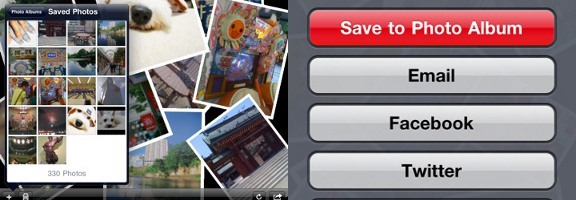
Our app of the week is Photo Stack, an app available for the iPhone and iPad that lets you make a collage of photo snapshots, right on your iOS device. I downloaded the app onto my iPad a few days ago, and within half an hour, I had a nice collage of family photos that elicited “oohs” and “ahhs” when I saw my family this weekend. Read more


102 Free Programs Worth the Download [Windows]

102 Free Programs Worth the Download [Windows] | 40Tech

There are a lot of free programs for Windows, and while many of them may have you running for the nearest anti-virus or spyware scanner, there are some that are not only useful and safe, but awesome beyond words. The trouble, of course, is sorting through the volumes of crap – I know it’s not a task I enjoy… Thankfully, neither you nor I will have to worry about it, because the good folks over at MakeUseOf have done the work for us! They have gathered, sorted, sifted, and otherwise separated the good freebies from the bad, and compiled them into a very well organized and easy to navigate list. Bless their gigantic hearts!

The list, which can be found here on their site, is broken down into 21 categories, each containing three to nine applications. They cover everything from free anti-virus software to CD/DVD tools, productivity tools, photo/image editors, file recovery software and more. Several on the list are ones I’ve heard of and tried, such as Microsoft Security Essentials, Evernote, LastPass, and Recuva — but there are a lot that I am not familiar with, and the stamp of approval MakeUseOf gives them makes them a lot easier to consider.

The list of the best 102 Free Windows programs is worth a view for any computer owner, and a look through is nearly a must for the geeky set. Check it out — I’d love to know what you think of it, and if there are any you think should or shouldn’t be there.

The Best Of: Windows Software [MakeUseOf]


App of the Week: Hitpad [iPad]

40Tech App of the Week | Hitpad for iPad

Our new App of the Week series covers apps that we find intriguing or exceptional, be they for iOS, Android, WM7, Blackberry, or the web. We’d also love some suggestions from you!

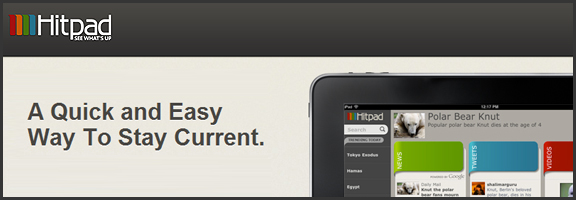
If you like at-a-glance trending topics and daily news info, and you like it from multiple sources and in myriad forms, you will really enjoy Hitpad. Hitpad for the iPad is a slick way to get all the latest from multiple search engines, Twitter, and more; and without feeling like you’ve been hit between the eyes with a mallet. A lot of thought went into the user interface, and the resulting app is definitely one of the more beautiful ways iPad users can consume information.

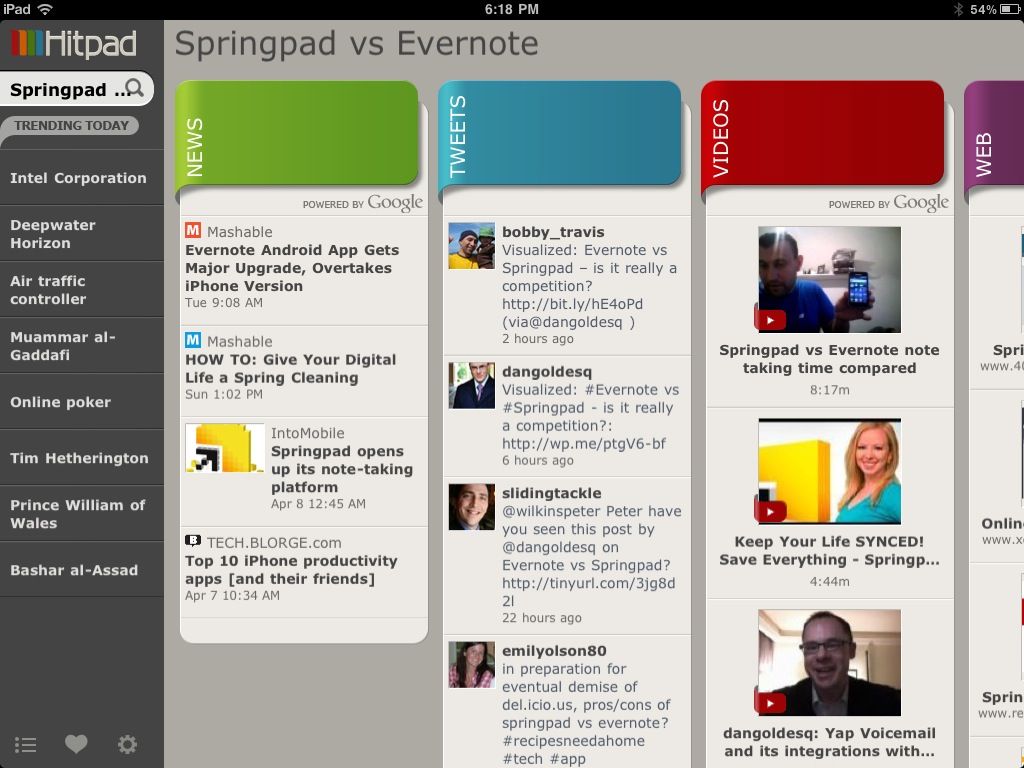
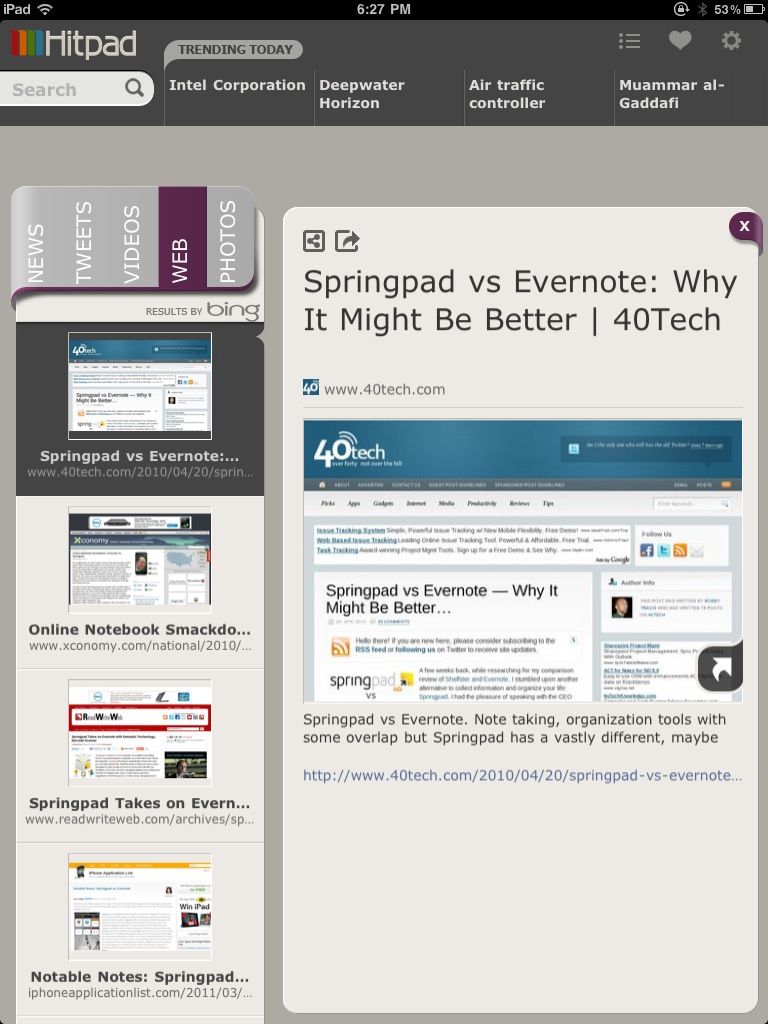
Hitpad also allows you to search for a single topic, delivering results from all across the web, which is handy if you are doing some quick research. For example, I did a search for Springpad vs Evernote, and as you can see in the images below, I received news, video, and image results from Google, and recent tweets from Twitter (yes, the most recent result happened to be me tweeting out a post by one of our readers, Daniel Gold, from his own blog). There is also a column for web page results, which comes from Bing. I found that odd, considering that most everything else was from Google — but it was nice to see that our own post on Springpad and Evernote was in the top spot with Microsoft, too.

Hitpad | Trending News at a Glance on the iPad


Hitpad for iPad

Hitpad feels like it might need a bit more in the feature department, especially if you are used to getting your information from an RSS reader. It does do what it is supposed to do, though, and it does it with flair and style, even if the thumbnails it clips of web pages sometimes load a bit slowly. Still, Hitpad would benefit from the addition of things like saved searches, the ability to choose news or search engine sources, and being able to choose multiple topics to search on. If you have an iPad, try it out! It’s free, and you can get it here.

Let us know what you think of Hitpad in the comments!


Has Your App Store Made You Its B!#&h?

Has Your App Store Made You Its B!#&h? | 40Tech

So I’ve had an iPhone for over a year now, a smartphone for at least three, and an iPad since December. I went through my initial app insanity a while back, unable to resist the call of the thousands upon thousands of different apps out there — a feeling that was only amplified by my innate geeky curiousity, and the fact that I write for a tech blog. Hell, I’ve even done about a hundred or so freelance reviews of iOS games in the past year, with all of the purchases reimbursed — talk about having an addiction enabled!

Well, I’m all done with that now. I’m no slave to my devices! Really! I’m not!! Okay, so I might be… but maybe you are too?
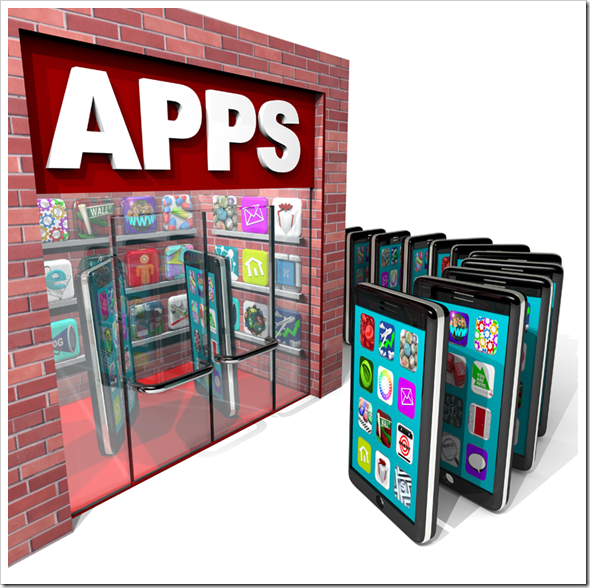
Has Your App Store Made You Its B!#&h? | 40Tech

I’ve taken stock of the apps that I own, and the ones that have taken up long-term residence on my devices, and I have come to the conclusion that I actually use less than 10% of my library on anything even approaching a regular basis. The rest just sit there, mooching off the storage space on my iPhone and iPad, hanging out in their folders and doing nothing all day. They should get a job or something. Seriously. They should get a job or get out — but they play off my weaknesses, you see. Every time I go in to delete them, I get bombarded with reasons that justify their existences, often using phrases like “just in case” and “but this app is just so cool!”

It’s all lies, though, and I keep falling for it. The only apps I regularly use are Evernote, Springpad, my RSS readers (MobileRSS, Zite, Flipboard), iBooks and Stanza, Facebook/Friendly, Twitter, Producteev, and Card Shark Solitaire (the free version). Of course, I use the stock apps like Mail, Safari, and the like, and I also occasionally use the Google app and Google Maps, but that is a pretty good snapshot of my average usage. I still seem to be unable to let go of the others, though… go figure.

How about you? How many of your apps do you actually use on average? What are they? And do you also suffer from app hangers-on? Have the app stores made us their bitches? Let me know!