Menu Close

Category: App of the Week (page 7 of 7)

App of the Week: DoggCatcher Podcast Player [Android]

DoggCatcher

One of the much-ballyhooed strengths of Android is its openness and how much choice it gives users. Those strengths are illustrated well if you want to pick a podcast client for Android. The iOS landscape may have changed in the last few months since I switched to Android, but I always found the iOS podcast experience to be lacking. Not so on Android, if you use DoggCatcher, an excellent podcast client.

Read more


App of the Week: Feedly [iOS, Android, Web]

Feedly RSS Reader for iPad, iPhone, Android, Tablet, Web | 40Tech App of the Week

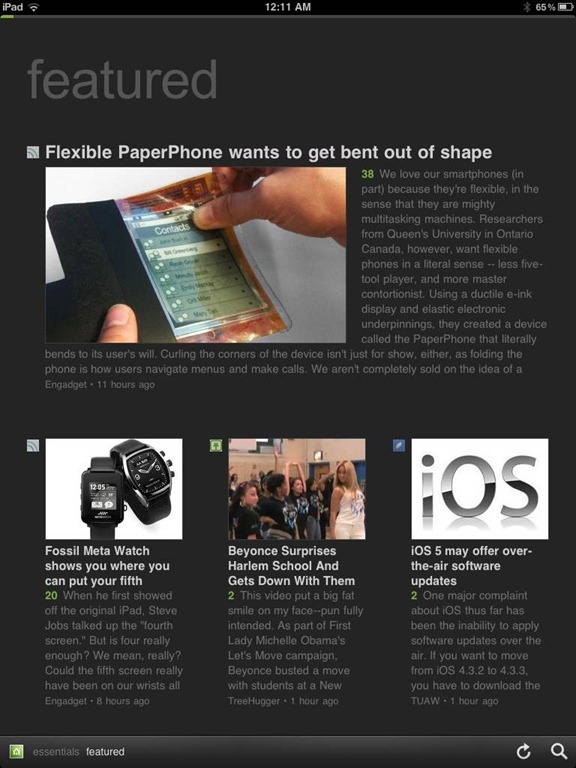
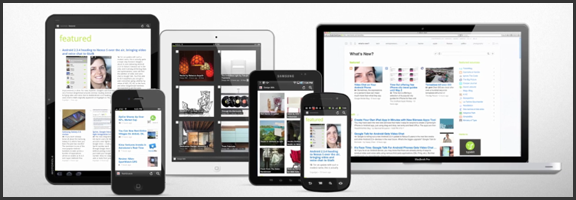
We’ve covered Feedly before (and we thought it was great!) but the RSS feed reader to smack all others is now much-improved. The web app has seen several updates in functionality and sharing features, and the recently released and updated mobile apps have been generating a lot of positive attention. And why not? The experience is nearly identical on both iOS and Android phones and tablets, and Feedly Mobile 2.0 easily competes with the likes of Pulse, Flipboard, and Zite. With an update or two, it might even blow those apps away completely.

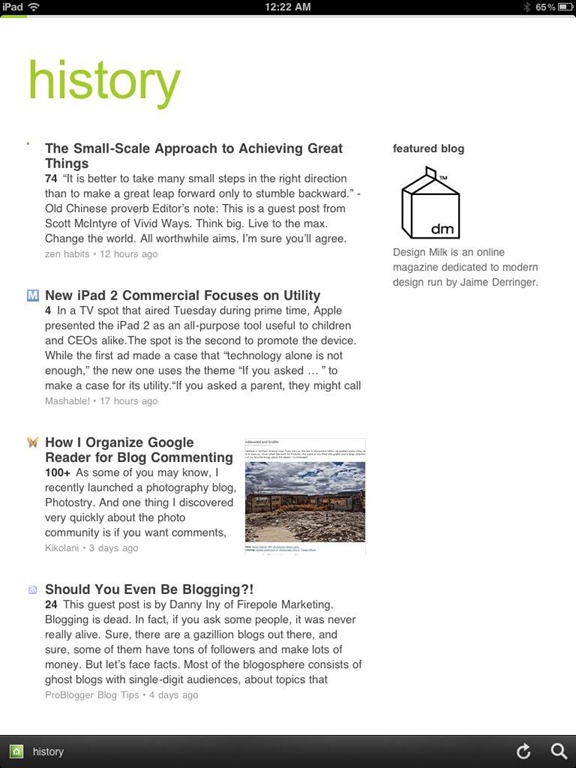
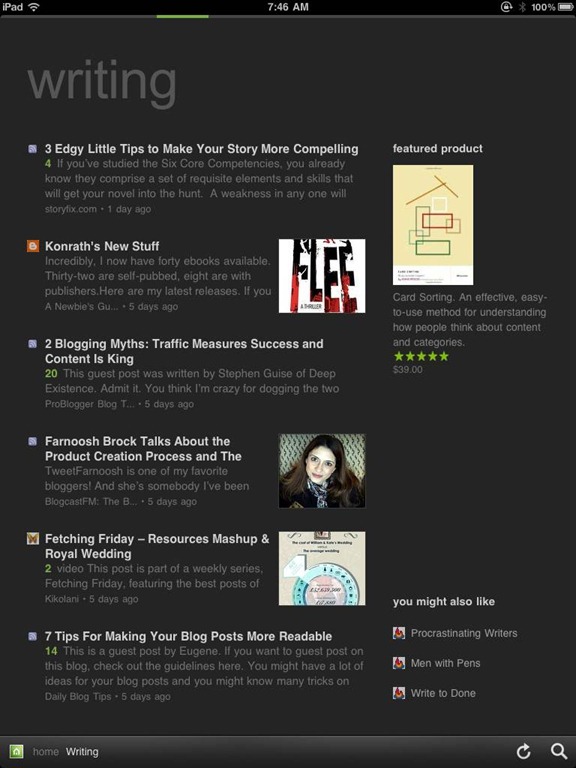
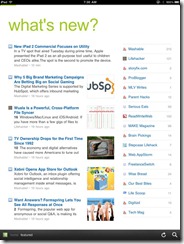
Feedly’s minimalist magazine design focuses on the content, presenting it in an easy to read format that is complemented by the app’s simplistic navigation. The mobile apps are especially barebones, keeping the effects to a minimum, and the overall presentation is extremely appealing. The toolbar on the bottom of the screen allows you to like (on Google Reader), bookmark, email, and share articles on Twitter. You can also enable saving to Instapaper and Read It Later. The web app has several more options for sharing content, but the basics are available in Feedly Mobile 2.0, with the exception of one service: Facebook. That seemed like a bit of an oversight to me (and that’s me understating the obvious), but the developers assure us that Facebook functionality will be available in version 3.

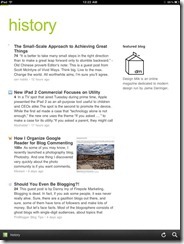
Feedly Mobile 2.0 iPad RSS Reader | 40TechFeedly Mobile 2.0 | Google Reader Magazine | 40TechFeedly Mobile 2.0 | Find Already Read Posts in History | 40Tech

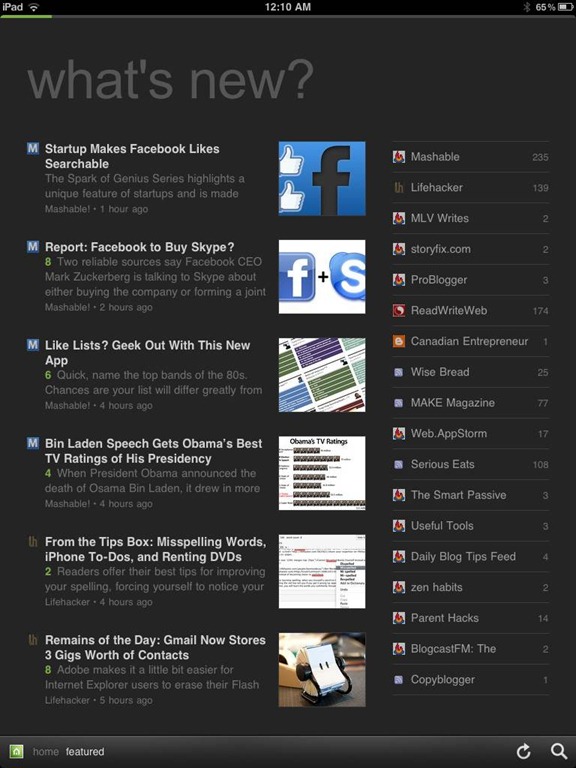
One of the best things about Feedly is its learning algorithm. While you read, the app learns about the topics that interest you most, and does a great job configuring your personal magazine around those interests, bringing your favourite types of content to the forefront. You can always go through your sources one at a time, if you like, but taking advantage of Feedly’s different sections — each one tailored just for you — really helps to keep your reading moving and you engaged. Feedly also offers suggestions, periodically, of other sites that may suit your interests, which is helpful.

If you don’t feel like connecting with Google Reader, Feedly does have a host of content already available for you to sort through, but it works best when you are logged in.
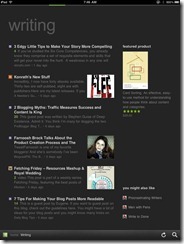
Feedly Mobile 2.0 Dark Theme | 40TechFeedly Mobile 2.0 iPad RSS Reader Magazine | 40TechFeedly Mobile 2.0 RSS Feed Reader | 40Tech

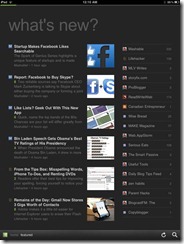
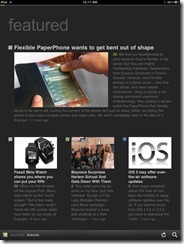
Feedly Mobile 2.0 is every bit as fantastic as the web app. It’s incredibly responsive, and is beautiful to look at on all platforms, including iPhones and Android phones, the iPad, and Android tablets of different sizes (both 7″ and 10″). There are a few niceties packed into the HTML5 goodness, as well, such as an instant search bar, a black or white theme (which helps with night reading and can be changed with a shake), a history section, and the ability to start on the magazine layout or category of your choice. There are still a few kinks that need to be ironed out of the mobile apps, however, such as the lack of Facebook sharing, and that the app only works in portrait mode. Hopefully these issues will be resolved in an update or two. I’d also like to see some of the additional sharing options in the web app find their way to mobile as well, especially sharing on LinkedIn and Evernote.

Feedly is free, and it kicks butt. Get it.

Now you know I love it — what about you?


App of the Week: Photo Stack [iOS]

photo stack main

Our app of the week is Photo Stack, an app available for the iPhone and iPad that lets you make a collage of photo snapshots, right on your iOS device. I downloaded the app onto my iPad a few days ago, and within half an hour, I had a nice collage of family photos that elicited “oohs” and “ahhs” when I saw my family this weekend. Read more


App of the Week: Hitpad [iPad]

40Tech App of the Week | Hitpad for iPad

Our new App of the Week series covers apps that we find intriguing or exceptional, be they for iOS, Android, WM7, Blackberry, or the web. We’d also love some suggestions from you!

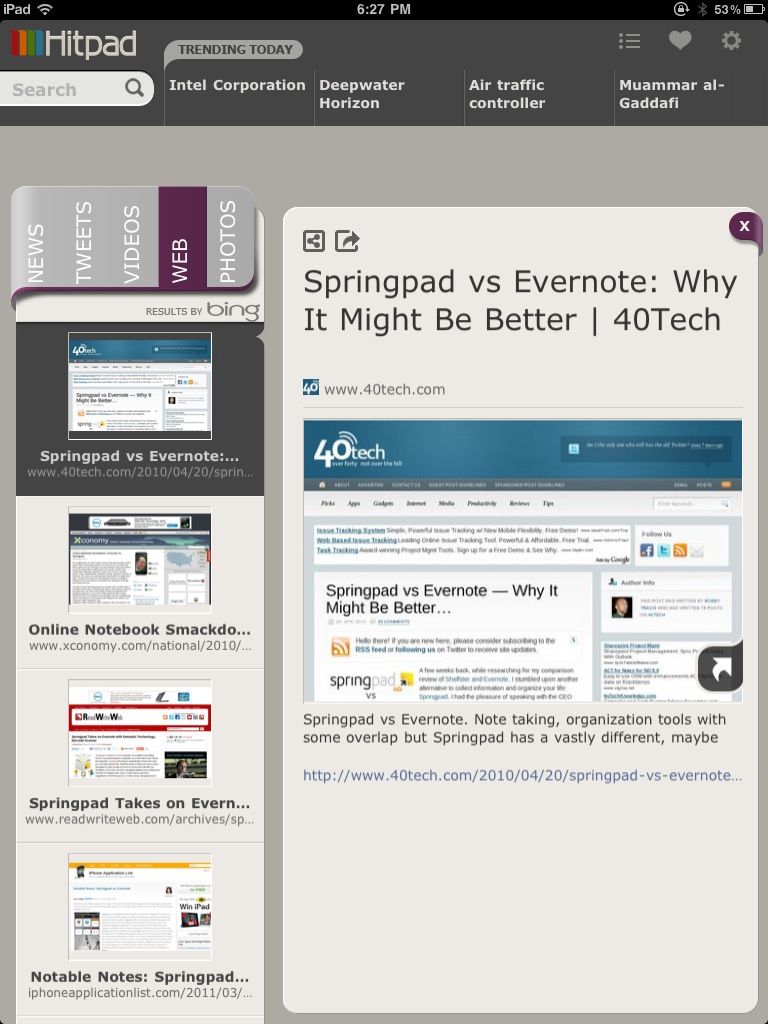
If you like at-a-glance trending topics and daily news info, and you like it from multiple sources and in myriad forms, you will really enjoy Hitpad. Hitpad for the iPad is a slick way to get all the latest from multiple search engines, Twitter, and more; and without feeling like you’ve been hit between the eyes with a mallet. A lot of thought went into the user interface, and the resulting app is definitely one of the more beautiful ways iPad users can consume information.

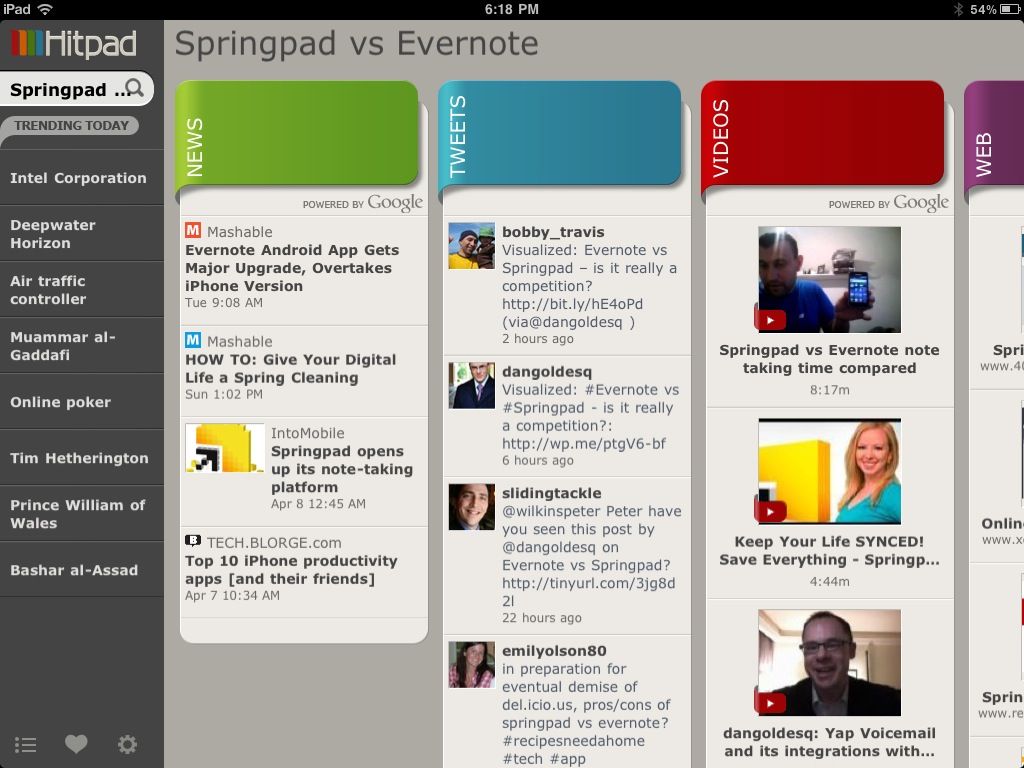
Hitpad also allows you to search for a single topic, delivering results from all across the web, which is handy if you are doing some quick research. For example, I did a search for Springpad vs Evernote, and as you can see in the images below, I received news, video, and image results from Google, and recent tweets from Twitter (yes, the most recent result happened to be me tweeting out a post by one of our readers, Daniel Gold, from his own blog). There is also a column for web page results, which comes from Bing. I found that odd, considering that most everything else was from Google — but it was nice to see that our own post on Springpad and Evernote was in the top spot with Microsoft, too.

Hitpad | Trending News at a Glance on the iPad


Hitpad for iPad

Hitpad feels like it might need a bit more in the feature department, especially if you are used to getting your information from an RSS reader. It does do what it is supposed to do, though, and it does it with flair and style, even if the thumbnails it clips of web pages sometimes load a bit slowly. Still, Hitpad would benefit from the addition of things like saved searches, the ability to choose news or search engine sources, and being able to choose multiple topics to search on. If you have an iPad, try it out! It’s free, and you can get it here.

Let us know what you think of Hitpad in the comments!