Menu Close

Author: Evan Kline (page 60 of 164)

Hello, I'm Evan. I write about tech from my perspective – that of the average tech geek, sometimes with my lawyer glasses on. You can also find me on Twitter and at my real-life job as a lawyer.    MORE ABOUT ME.

Dispatch Comes to the iPad, at Last

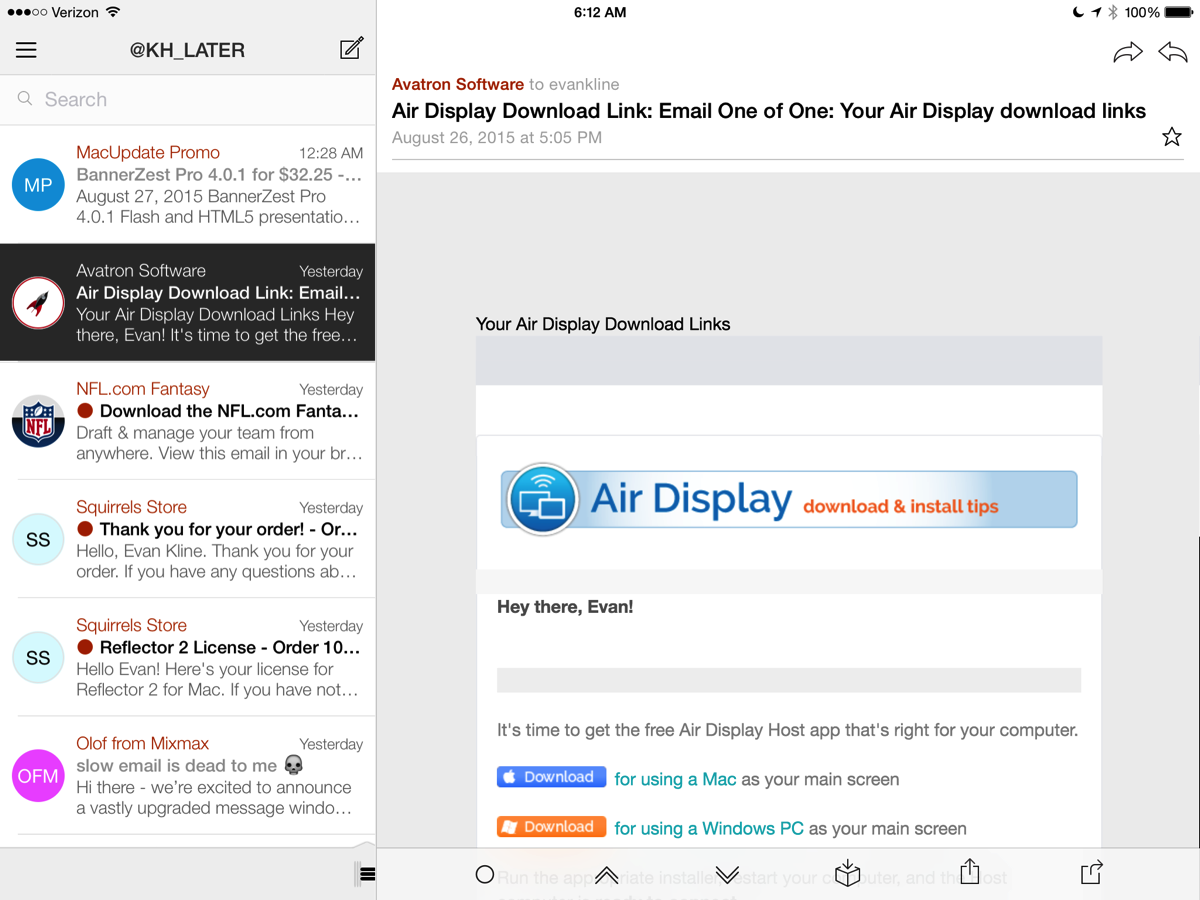
Dispatch has long been one one of my favorite email apps on the iPhone. Lately, I’ve been going back and forth between Dispatch and Spark. I suspect I may be switching to Dispatch full time now, though, since Clean Shaven Apps has just released an update to the app to make it universal. 

Yes, you can now use the app on your iPad. Truth be told, you could always use the app on your iPad, but you were using it in scaled mode, and not taking advantage of the iPad’s differences from the iPhone. Now, the app is optimized to run on the iPad.

The app’s strengths have always been its email powerful triaging capabilities and customizable sidebar, but it also offers support for numerous third party services, such as TextExpander, 1Password, and Evernote. I’m just excited to be able to use the app in landscape mode on my iPad. You can get the app for $6.99. If you already own it, the update is free.
Dispatch for iPad Read more


The Beauty of DEVONthink OCR

I’ve covered DEVONthink heavily recently. That’s because it has been an invaluable tool and a huge time saver for me over the last few months. The latest trick I discovered has been DEVONthink’s ability to easily replace non-searchable PDF’s with searchable (OCR’d) versions of the same document. It’s pretty simple, actually.
Read more


Clip from Safari (iOS) to DEVONthink (Mac)

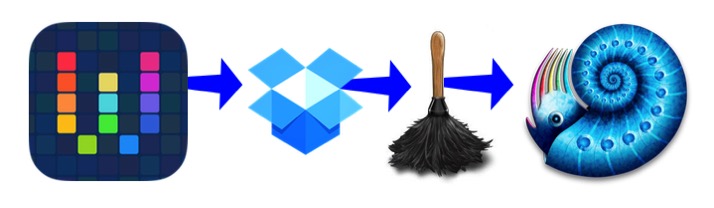
Workflow to dropbox to devonthink

Since I first wrote about using DEVONthink Pro Office in my law practice, I’ve increasingly been using it for additional work projects. I’m currently preparing a case for trial, and have copied all of the documents and research for that case into DEVONthink, so it is easily accessible. I’d like my research to be in DEVONthink, too, which led me to figure out how to clip webpages from Safari on iOS into DEVONthink on my Mac. Here’s how I did it, using the Workflow app for iOS, and Hazel on the Mac.

Read more


Apple Watch Q&A – Improve Your Office Workflow

I recently sat down for a question and answer session about the Apple Watch. That Q&A is up on my firm’s website, and does a pretty good job of identifying what I like and don’t like about the watch. For me, the two biggest benefits to the watch are the ability to quickly get information into my system, and to quickly review information and get on with what I’m doing. I don’t use the watch as a tool for generating work. Instead, it “greases the skids” and helps me get work done on my other devices.

How Can the Apple Watch Improve Office Workflow? Q&A with Attorney Evan Kline | Katherman, Briggs & Greenberg, LLP


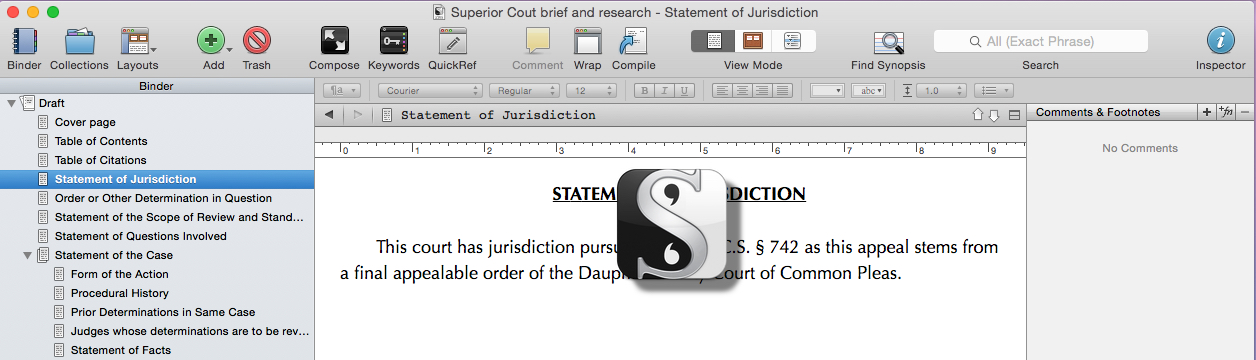
Writing Legal Briefs with Scrivener

Scrivener toolbar

WordPerfect 5.1 is legendary among tech geeks of a certain age, and still has devoted users. I used various incarnations of WordPerfect as my main word processor and brief[1] writing tool until just a few years ago, when I succumbed to the inevitable force of change, and switched to Microsoft Word. Now, though, I’m not even using a traditional word processor as my main brief writing application, because I’ve discovered that Scrivener is a fantastic tool for that purpose.

Read more